
How to Start a Blog on Cloudways: From Provider Choice to First Post
Disclosure: This post contains affiliate links. If you buy through them, we may earn a commission at no extra cost to you. How we make money.
This guide to how to start a blog on Cloudways is for writers who want a managed cloud desk, not a shared beginner wizard. I am walking through the official Cloudways Flexible path — choose a provider, choose a server size, add WordPress, connect a domain, and publish one post — using official product and help pages. This is not a timed install test, and it is not a repeat of the published How to Start a Blog with Hostinger walkthrough.
If you want the shortest shared onboarding path, start with that Hostinger guide, or with SiteGround. This article is for the reader who already wants a named cloud provider under the blog.
The reader’s problem: a blog is still a writing project
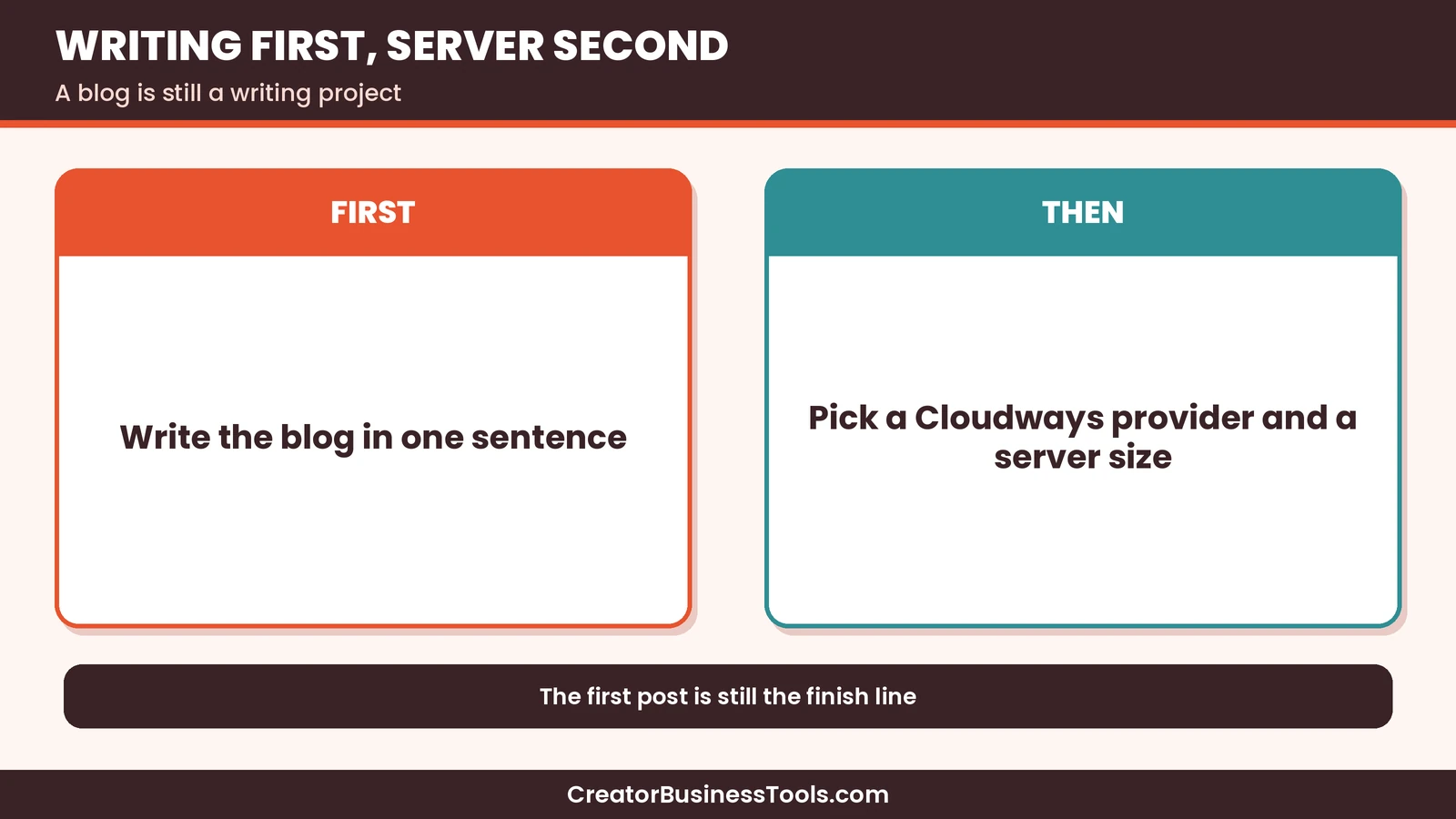
A cloud server can feel like the serious choice. It can also delay the first post if you treat the dashboard as the work. The hosting job is real. The writing job is still the job that makes a blog exist.
How to start a blog on Cloudways is therefore a short official path, then a first article. If you wanted a one-rung shared plan, you may not need this path at all.
Three criteria before you launch
Criterion one: is a managed cloud desk the right first host?
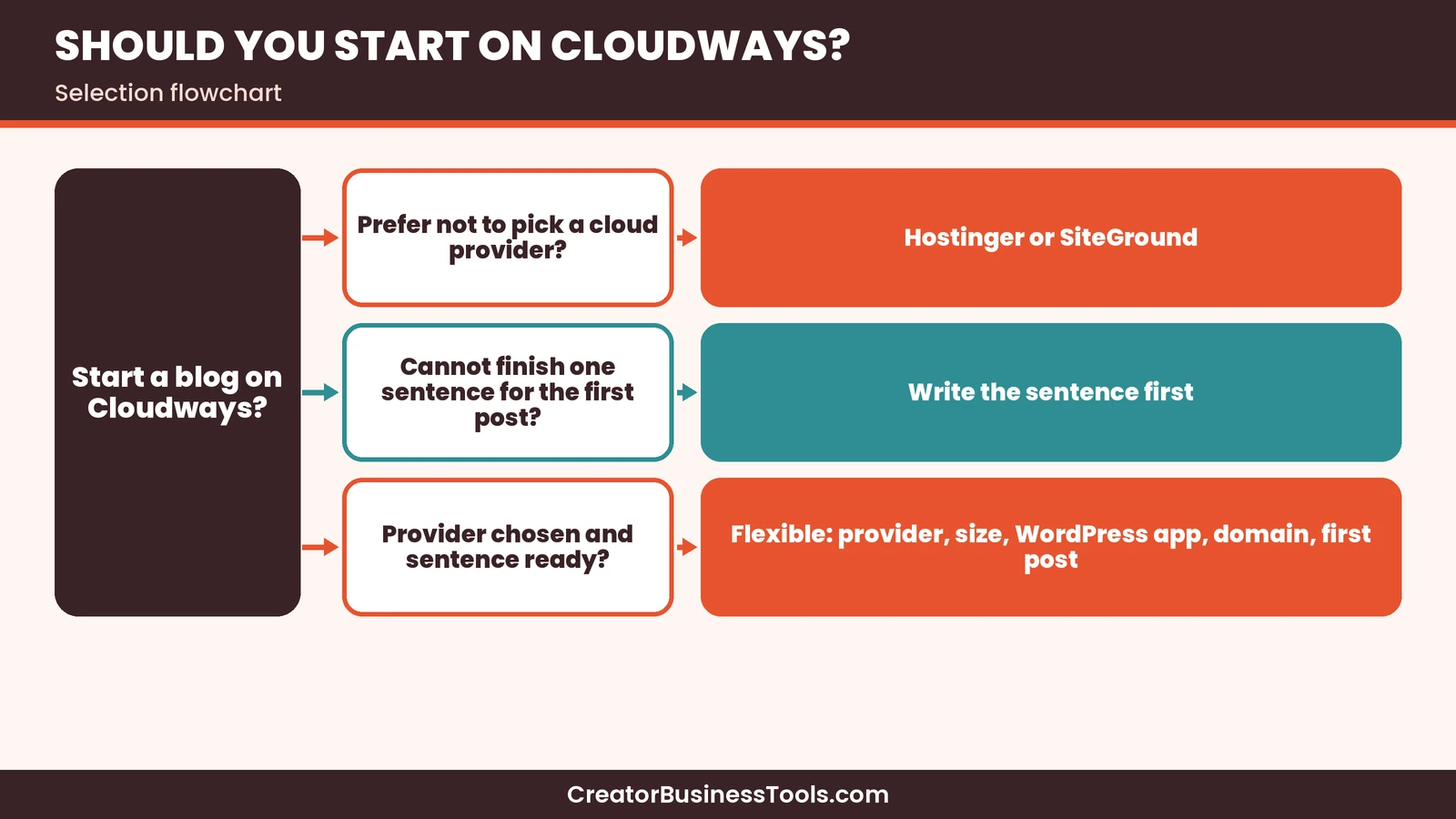
Official Cloudways Flexible pages ask you to pick a provider and a server size. That is a different first hour than a shared WordPress host. If the only goal is a first post, Hostinger or SiteGround can be a calmer desk. If the goal is a managed server you can resize later, stay on this path.
Criterion two: official limits you can confirm
Read official caps on storage, bandwidth, backups, and add-ons before you launch. Official Flexible pages also say you can launch more than one application on a server, within that server’s resources. A first blog usually does not need several apps on day one.
Criterion three: the first post, not a perfect stack
Choose a familiar provider, a size you can explain, official SSL, and one post. You can add a cache layer, a CDN add-on, or a staging workflow after the first article is live.
The official path, at a glance
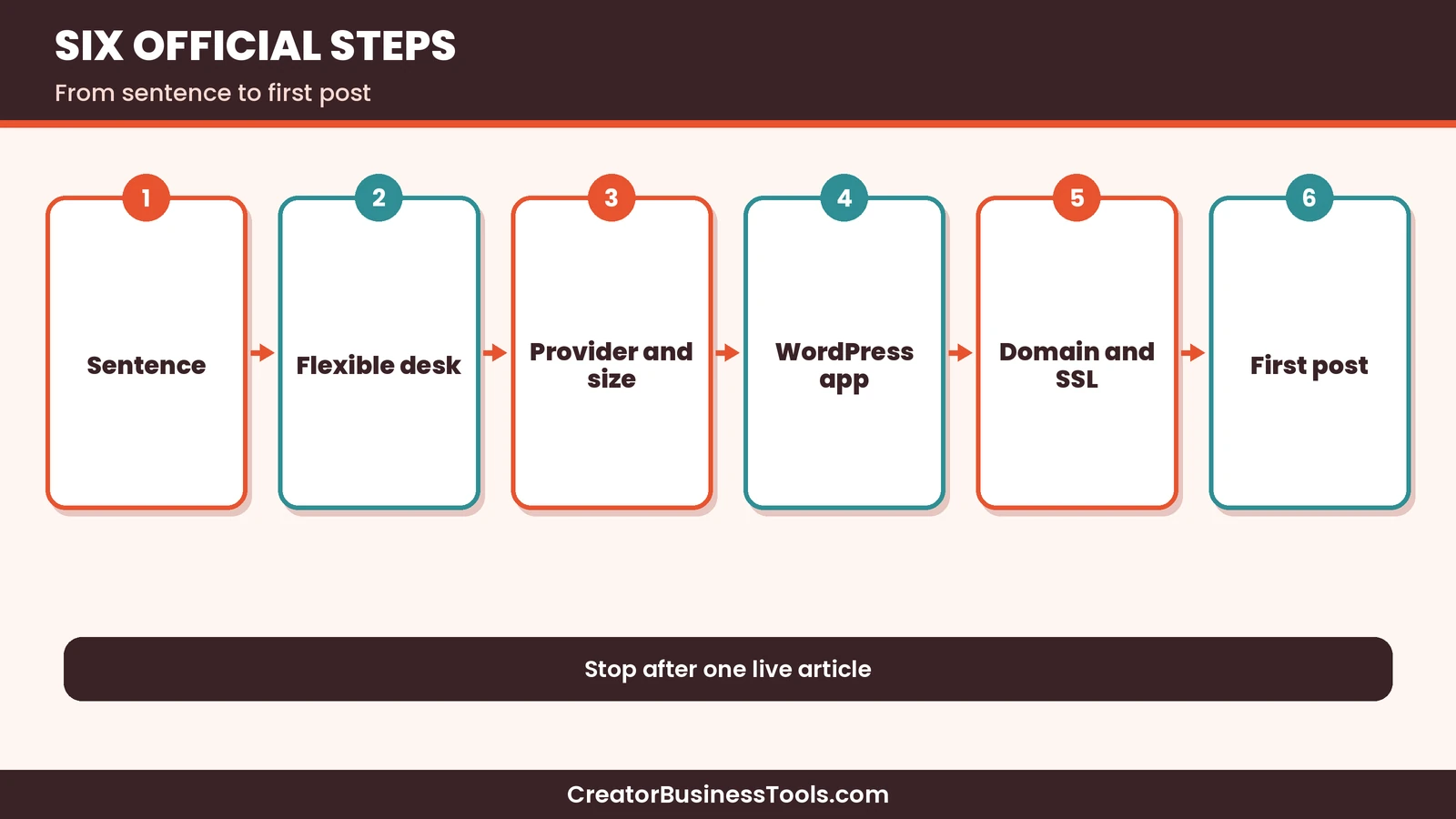
| Step | What official pages describe | What you confirm | Common stall |
|---|---|---|---|
| 1. Write the blog in one sentence | The audience and the first topic | A topic you can finish in one sitting | Building a stack before a sentence exists |
| 2. Choose Flexible or Autonomous | Two official Cloudways desks | One desk, not both | Mixing the two product pages |
| 3. Pick a provider and a size | Official Flexible size chart | Region rules, especially on AWS and Google Cloud | Picking a size from a headline, not the chart |
| 4. Add a WordPress application | Official application launch on the server | The app is the site, the server is the desk | Launching several apps before the first post |
| 5. Connect a domain and SSL | Official domain and SSL path | DNS, SSL, and email sitting outside the server | Changing hosts mid-DNS |
| 6. Publish one post | WordPress editor | A finished article, not a perfect theme | Theme hopping before a publish button |
Cloudways Autonomous is a separate official path for one WordPress site with autoscaling. I am leaving it as an alternative, not as the beginner walkthrough. A first blog is usually easier to explain on Flexible.
Step 1: write the blog in one sentence
Write one sentence you can defend. “A weekly operations log for solo shop owners” is a sentence. “A site about everything I might write later” is not. The sentence chooses the first post, and the first post chooses whether a cloud server was worth the extra first hour.
If you cannot finish the sentence, do not launch a server yet.
Step 2: choose the official Cloudways desk
Official Cloudways pages describe two WordPress-relevant desks. Flexible is a managed layer on a provider you choose. Autonomous is a one-site path with official autoscaling and its own quotas.
For how to start a blog on Cloudways as a first writing project, Flexible is the path this guide follows. Choose Autonomous only if you already know you want that one-site autoscaling desk, and you have read the official quota page.
Step 3: pick a provider and a server size
Official Flexible pages list DigitalOcean, Vultr, Linode, AWS, and Google Cloud. Official pricing FAQ says DigitalOcean, Vultr, and Linode use one official price regardless of region. AWS and Google Cloud can vary by region. If region matters, confirm the official figure for the region you will actually use.
I am not naming a “correct” RAM size here. I did not launch a test blog, so I cannot pretend a lab result. Read the official size chart, start with a size you can explain, and remember that official pages describe vertical scaling if the server later needs more room.
Official help pages also describe hourly tracking, with a monthly cap on some providers if the server runs the full month. Official FAQ says that stopping a server does not stop the bill. Read that rule before you launch a test you plan to abandon.
Step 4: add a WordPress application
Official Cloudways pages describe adding an application on the server, including WordPress. The server is the desk. The application is the blog. Keep that distinction. A first blog usually needs one WordPress application, not a row of unused apps.
After the application is running, official materials describe a staging environment. Staging is useful before a theme or plugin change. It is not a reason to delay the first post. Use it when you have something worth staging.
Step 5: connect a domain and SSL
Official pages describe connecting a domain and using SSL. I am not inventing click-by-click DNS labels I have not confirmed in a live dashboard. Follow the official domain and SSL help, and give DNS time to settle.
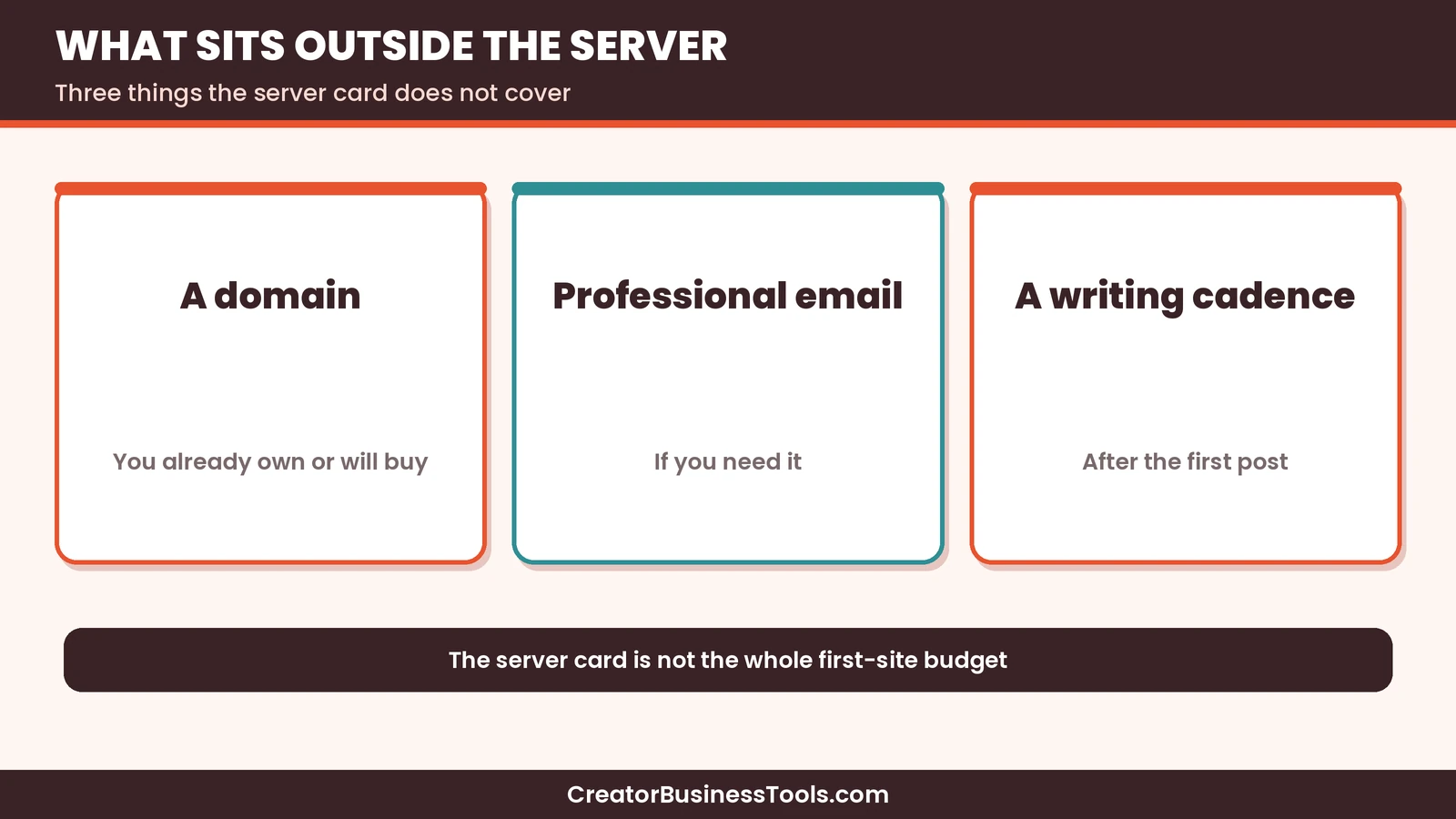
A domain and professional email can still sit outside the server card. Cloudways is a hosting desk. Write those extra costs next to the official server size. If you already own a domain, confirm you can point it before you launch.
Step 6: publish one post, then stop decorating
Pick a simple official theme path, write the first article from the sentence in step 1, and publish. Do not treat a plugin list as a launch checklist. Official backups are already part of the paid desk; confirm the official backup rules, including any separate off-site storage charge, so you know what is already running.
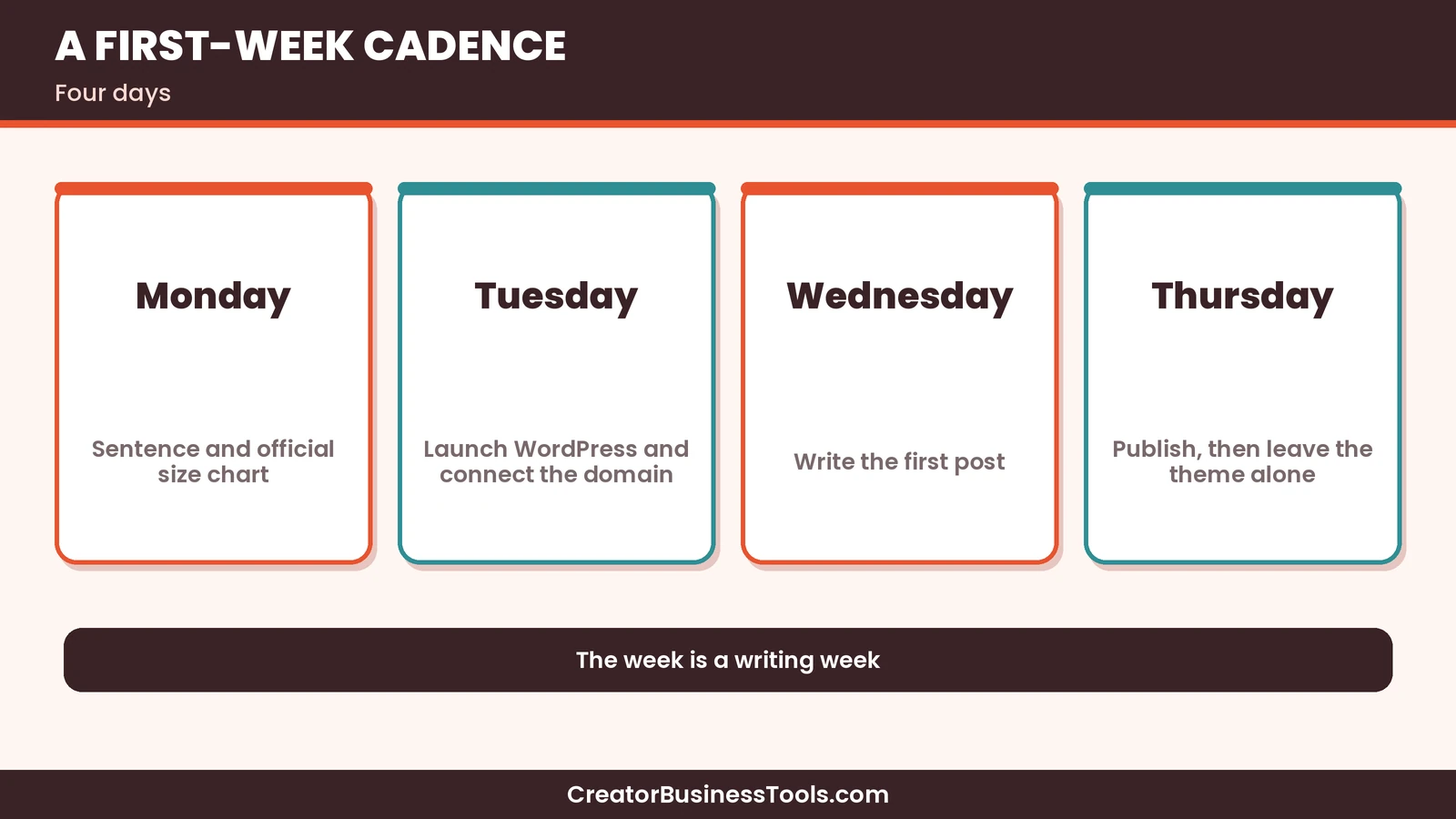
The first week of a blog is a cadence, not a redesign. One post is the finish line of this guide.
Nearby paths, if a cloud server is more desk than you need
| Product | Best for | Key strength | Drawback | Price tier |
|---|---|---|---|---|
| Cloudways Flexible | A first blog on a managed cloud server you can resize | Official provider-and-size path, staging, and SSL | Heavier first hour than a shared wizard | Budget to mid-range official sizes for a first site |
| Hostinger | The shortest beginner shared walkthrough | Official WordPress onboarding and a published first-post guide | Not a pick-your-provider cloud desk | Budget official renewal rungs |
| SiteGround | A shared WordPress ladder with a clear first rung | Official StartUp, GrowBig, and GoGeek story | Confirm the official standard or renewal rate, not only the first displayed figure | Budget to mid-range official standard rungs |
| WP Engine | A managed WordPress platform instead of a DIY server size | Official Essential capacity rungs, plus higher official desks | A different first question than a Cloudways provider choice | Mid-range to premium official rungs |
If you want the shared beginner path, go back to How to Start a Blog with Hostinger. For SiteGround’s official ladder, see the published SiteGround review.
Best-use-case recommendations
| Situation | Pick | Why |
|---|---|---|
| You already want a named cloud provider and a server you can resize | Cloudways Flexible | This guide’s official path |
| You want official autoscaling for one WordPress site | Cloudways Autonomous | Official one-site desk, after you read the quotas |
| You want the shortest first-post path | Hostinger | Published beginner walkthrough |
| You want a shared WordPress ladder | SiteGround | Official StartUp to GoGeek rungs |
| You want a managed WordPress platform, not a VPS size | WP Engine | Official capacity ladder |
Pricing structure, without the noise
Cloudways Flexible pricing follows the provider and the server size. Official pages show a monthly figure and an hourly rate. I am not restating dollar amounts here. Read the official size chart for the provider you pick, and budget the ongoing official rate.
Official add-ons can sit on top of the server card. Pricing and help pages describe a Cloudflare Enterprise option as a paid extra on Flexible. Official materials also describe cache tooling on larger Flexible servers. You do not need every add-on before the first post.
Support, migrations, and moving an existing blog
If the blog already lives on another host, official Cloudways pages describe a managed migration path for the first site, handled by engineers. I did not watch a migration, so I cannot grade it. Keep a current backup, read the official migration page, and confirm DNS and email details before you move.
If this is a brand-new blog, you may not need a migration at all. Launch the application, connect the domain, and write.
Mistakes I would avoid
- Launching a server before the first post has a sentence
- Treating Flexible and Autonomous as the same desk
- Picking AWS or Google Cloud without checking the official regional price
- Launching several applications before one blog is live
- Assuming that stopping a test server stops the bill
- Budgeting the server card alone, and forgetting domain or email
- Decorating the theme for a week instead of publishing
- Using this cloud path when you really wanted the published Hostinger beginner guide
What to set up after the first post, and what to leave alone
Once the first article is public, official Cloudways tools can help you change the site with less risk. Staging is the official place to test a theme or plugin change. Official backups are already part of the paid desk; confirm the official rules so you know what is already running.
Leave a long add-on list for later. An enterprise CDN, a cache layer, and a larger server size can wait until the blog has a cadence. Official pages will still be there after the second post.
A simple weekly writing rhythm will do more for the blog than a second application on the same server. If you want a second site later, official Flexible pages say you can launch another application within the server’s resources. That is a later decision, not a launch requirement.
Permalinks, comments, and a small official checklist inside WordPress
After SSL is on, set a simple permalink structure, write an about page, and decide whether comments are part of the first month. None of those steps is a Cloudways-specific feature. They are WordPress hygiene. Official hosting cannot choose your comment policy.
Keep login hygiene obvious: a strong administrator password, a limited number of administrator accounts, and official SSL on the domain you actually use. I am not adding a long security plugin list here. The first post still matters more.
If the dashboard feels heavier than the writing
That feeling is useful data. A managed cloud desk is a real product, and it is also more first-hour work than a shared WordPress wizard. If the dashboard is delaying the sentence, you can still write the first post in a draft file and finish the server path after the article exists.
You can also change the first host. Hostinger and SiteGround exist for that shorter hour. Official Cloudways pages will still be there if you outgrow a shared rung and want a named provider later.
How I would start from official pages
I am writing this guide from official product, pricing, and help pages, not from a launched test blog. If I were starting from those pages alone, I would write the blog in one sentence, choose Flexible, pick a familiar provider, read the official size chart, add one WordPress application, connect a domain, and publish one post.
I would leave Autonomous, extra add-ons, and a large plugin list for later. I would also give myself an honest exit: if the first hour felt heavier than the writing job, I would look at Hostinger or SiteGround instead, and I would not treat that as a failed launch.
Questions to confirm on official pages
- Flexible versus Autonomous
- Provider, region, and server size
- Official backup rules and any off-site storage charge
- Domain and SSL help for your DNS provider
- Whether email is included or separate
- Official add-on list, so you do not buy tools you will not use in week one
- The official ongoing rate, not only the first figure on a page
What this guide cannot tell you
This guide cannot tell you the fastest official size for your theme, or how long your DNS will take to settle. I did not click through a live onboarding for this draft. Official help pages remain the source for the exact dashboard labels.
It also cannot write the first post. How to start a blog on Cloudways is a hosting path. The blog starts when the article is public.
My honest take
How to start a blog on Cloudways is a good path if you already want a managed cloud desk. It is a slow path if you only wanted a first post. Cloudways Flexible gives you a provider, a size, and a WordPress application. Hostinger and SiteGround still exist for the shorter shared hour.
I would start with the sentence, then the official size chart, then one post. I would not start with a shopping list of add-ons.
FAQ
Is Cloudways a good place to start a first blog?
It can be, if you are willing to pick a provider and a server size. If you want the shortest shared onboarding, Hostinger or SiteGround may be a calmer first desk. Official Cloudways pages do not describe a lasting free plan on the public pricing pages I read.
What is the official order of steps?
Official materials describe launching a server, adding a WordPress application, connecting a domain, and using SSL and staging. I did not record a live click path, so follow the official help for the exact dashboard labels. Publish one post before you add a long tool list.
Should I use Autonomous instead of Flexible?
Only if you already want a one-site official autoscaling desk and you have read the quotas. For a first blog, Flexible is easier to explain: a provider, a size, and one WordPress application.
Can I move a blog from Hostinger or SiteGround later?
Official Cloudways pages describe a managed migration path for the first site. I did not watch a move. Keep a current backup, read the official migration page, and confirm DNS and email before you change hosts.
Get the free Cloudways first-blog checklist
Free checklist: Get our free Cloudways First-Blog Checklist — for the sentence, the official size chart, the WordPress application, the domain, and the first post. Contact us to request a copy.
Conclusion: start the blog, then keep the desk simple
How to start a blog on Cloudways is a writing project first, and a server project second. Choose Cloudways if you already want a named provider and a size you can resize later. Follow the official path: sentence, Flexible desk, provider, size, WordPress application, domain, SSL, and one post. If you wanted a shorter shared hour, use Hostinger or SiteGround instead. Confirm official limits, budget the ongoing rate, and let the first published article turn the server into a blog.