
Best AI Website Builders for Small Business: Four Official First-Site Paths
Disclosure: This post contains affiliate links. If you buy through them, we may earn a commission at no extra cost to you. How we make money.
The best AI website builders for small business are not one trophy desk. They are official first-site paths that end in different editors. I am comparing Durable, the Hostinger AI website builder path for WordPress, Wix, and Squarespace, using official product and pricing pages. This is a shortlist by job, not a generated-site quality test.
The reader’s problem: a first site, plus the work after the prompt
A small business often needs a public page, a contact path, and a way to explain the offer. A prompt can start that work. It cannot finish the writing, and it cannot choose the editor you will live in later.
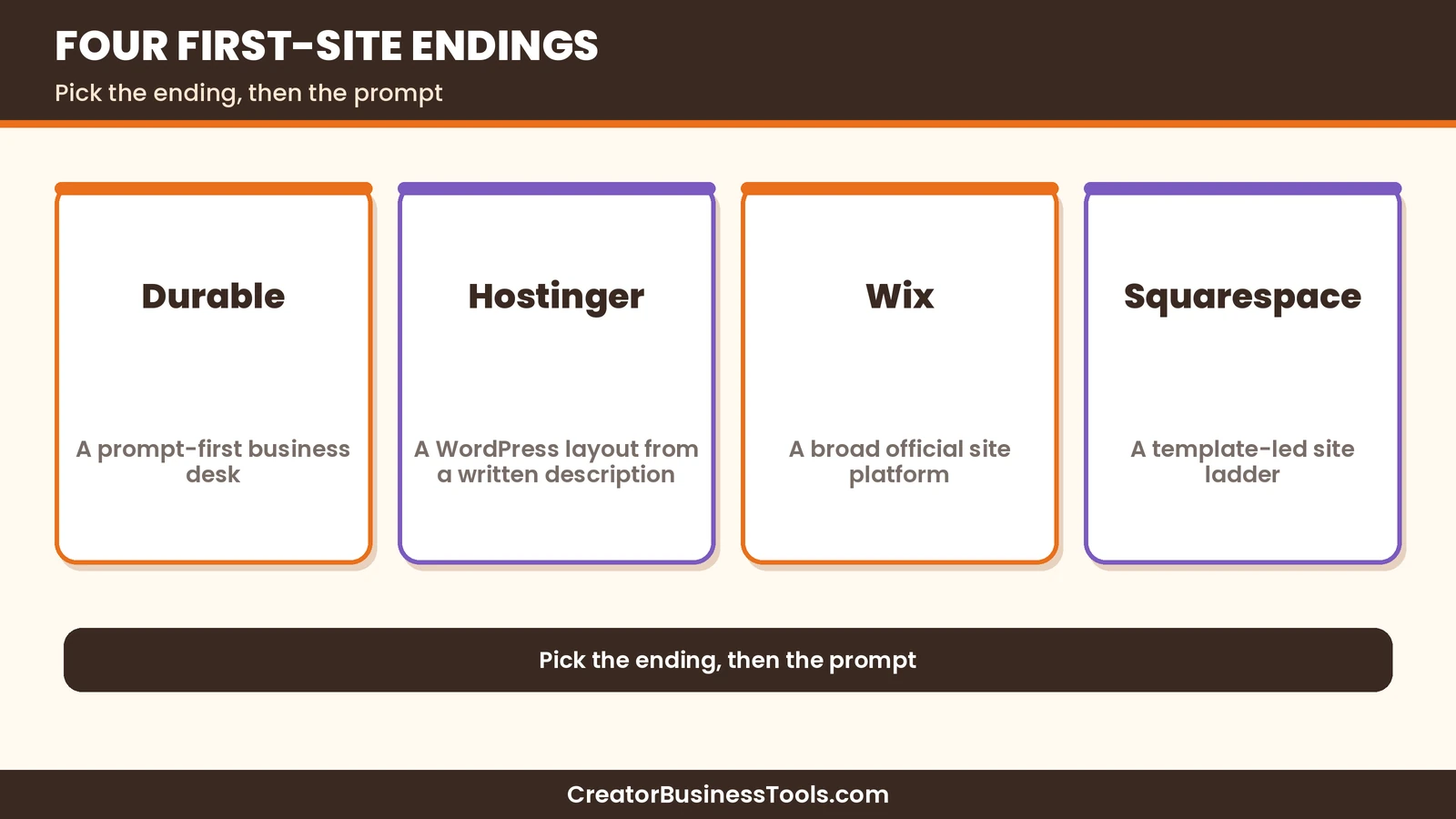
The stall happens when four “AI builders” are treated as the same product. One path ends in a business desk with official CRM tools. One path ends in WordPress. Two others are broader site platforms with official editors and plan ladders. The useful question is which official ending matches the business.
Three criteria for the best AI website builders for small business
Criterion one: the official editor at the end
A prompt is only the start. Durable keeps you on a Durable hosted desk. The Hostinger AI path ends in the WordPress block editor. Wix and Squarespace keep you on their official site editors. That ending should decide the shortlist.
Criterion two: official plan limits you can confirm
Look for an official free plan with limits, paid rungs, a custom-domain path, and any official cap on credits, storage, or business tools. Do not assume a free plan is a public custom-domain desk.
Criterion three: the job after the first page
A service business may want official CRM or invoice tools. A WordPress user may want plugins and a block editor. A brand-led business may want a template desk. A catalog-heavy store may need a commerce-led official path, not a prompt-first service desk.
Best AI website builders for small business, at a glance
| Product | Best for | Key strength | Drawback | Price tier |
|---|---|---|---|---|
| Durable | Service businesses that want a generated first site plus official business tools | Official prompt-to-site path, a free plan with limits, and documented CRM and invoice tools | Official pages say it is not designed mainly for ecommerce, and I did not test generated copy | A free plan with limits, then budget to mid-range paid rungs |
| Hostinger AI Website Builder for WordPress | Small businesses that want a first WordPress layout from a written description | Official prompt-to-layout flow, then the WordPress block editor | Official plan-inclusion wording should be confirmed | Follows the hosting plan you pick, in budget to mid-range rungs |
| Wix | Small businesses that want a prompt or template start inside a large official editor | Official AI website builder and a free plan, inside a wide site platform | A broader platform, with plan display that can vary by location | A free plan with limits, then budget to premium paid rungs |
| Squarespace | Small businesses that want a template-led brand site | Official site-plan ladder and a strong template-and-editor desk | Confirm official AI-assisted tools for the plan you pick | Budget to premium official site rungs |
For a longer look at the WordPress path, see the published Hostinger AI Website Builder review.
Durable
What it is
Durable is a prompt-first website builder and small-business platform. Official pages describe a first site from a written description, hosting, SEO tools, and a CRM. Official pricing lists a free plan with limits, then Launch and Grow. The free plan uses a Durable subdomain and a private preview. Paid rungs describe a custom-domain path and the removal of Durable branding.
Official Durable pages also describe invoicing as part of the product family. Confirm that tool on the official plan table if invoices are a reason you are shopping.
Pros of Durable
- Official prompt-to-site path, plus a free plan with limits
- Official CRM, with a small cap on the free plan
- Official documentation for bookings, SEO tools, and invoices
- A short official plan table that is easy to read
Cons of Durable
- Official FAQ says it is not designed mainly for ecommerce
- Official pages also say it is not a full custom-HTML editor
- You stay in Durable’s editor, not in WordPress
- I did not generate a live Durable site for this shortlist
Hostinger AI Website Builder for WordPress
What it is
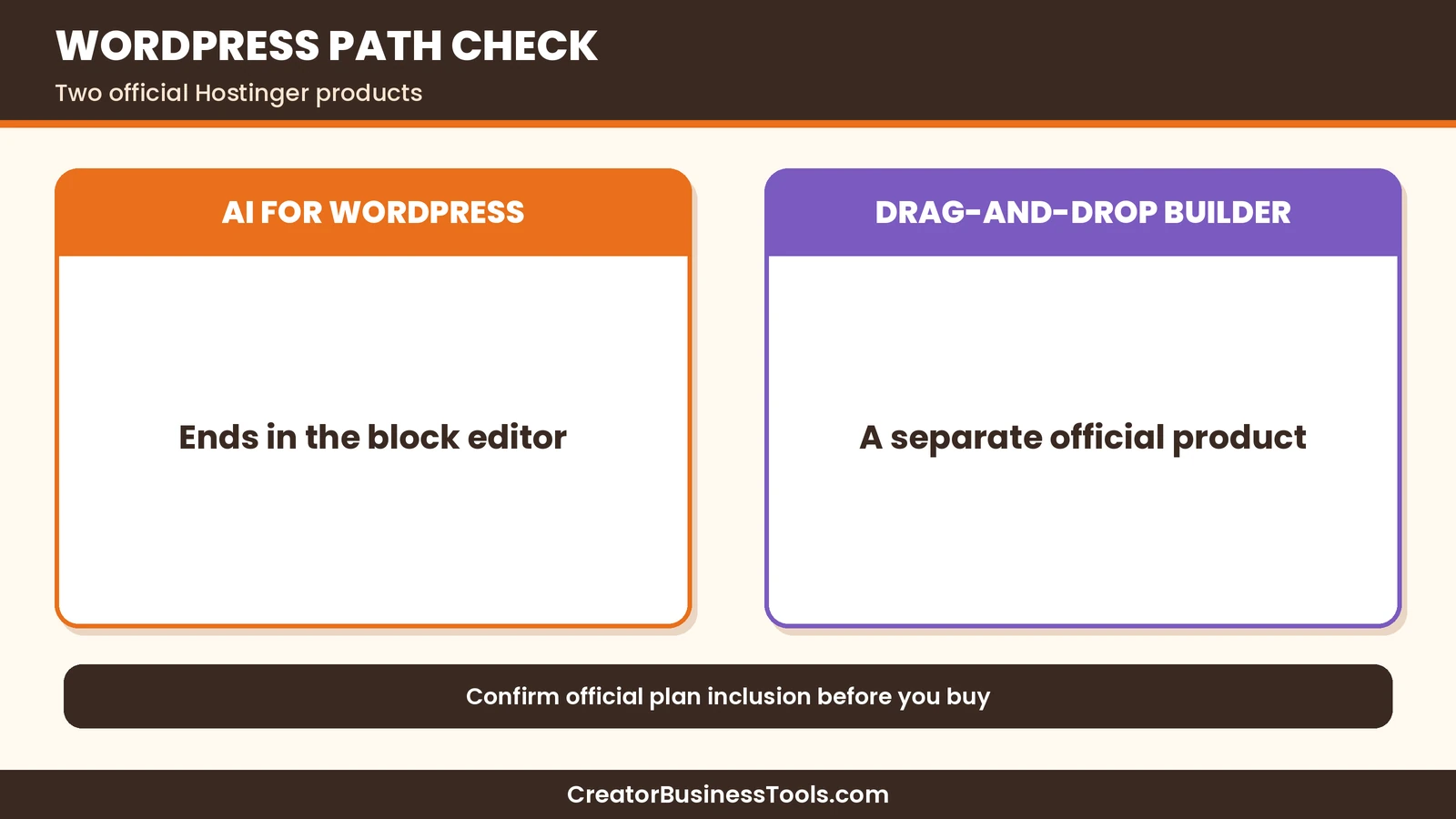
Hostinger offers an AI website builder path for WordPress. Official pages describe a written description, a generated layout, and then editing in the WordPress block editor. That makes it one of the best AI website builders for small business only when the official ending you want is WordPress.
Hostinger also offers a drag-and-drop Website Builder. That is a separate official product. Official wording about which hosting plans include the AI website builder for WordPress is not identical on every Hostinger page. Confirm the official rule for the plan you pick.
Pros of the Hostinger path
- Official flow ends in the WordPress block editor
- The first layout can start from a written description
- It can sit next to official hosting and domain tools
- A WordPress desk may be easier to move later, depending on your plan
Cons to keep in mind
- Official plan-inclusion wording should be confirmed
- This is not the same product as Hostinger’s drag-and-drop Website Builder
- A generated layout still needs your writing
- I did not generate a Hostinger layout for this shortlist
Wix
What it is
Wix officially describes an AI website builder and AI creation tools, plus a free plan and paid rungs. It is a broad site platform with a large official editor and many official business add-ons. Official plan pages also note that displayed prices and currency can vary by location, so read the plan table for your account.
Pros of Wix
- Official AI website builder inside a large editor
- Official free plan with limits, then a wide paid ladder
- Official business add-ons for a longer site platform
- A good fit if you want a template-and-editor home that is not WordPress and not Durable
Cons of Wix
- The platform is broader than a small CRM-and-invoice desk
- Plan display can vary by location
- I did not generate a Wix site for this shortlist
- Confirm official store, domain, and AI-tool rules on the exact plan
Squarespace
What it is
Squarespace officially sells a clear site-plan ladder and a template-led editor. It can be a strong small-business desk when brand templates and a polished official editor matter more than a prompt-first business tool set. Confirm any official AI-assisted tools on the current Squarespace product pages, because the official plan list is first a site-plan family.
Pros of Squarespace
- Official site-plan ladder that is easy to compare
- A template-led editor with a strong brand-site reputation
- A good fit when design templates are the main job
- Paid rungs cover a wide range of official site needs
Cons of Squarespace
- Confirm official AI-assisted tools for the plan you pick
- It is not a Durable-style CRM-and-invoice desk
- It is not a WordPress path
- I did not build a Squarespace site for this shortlist
Best-use-case recommendations
| Situation | Pick | Why |
|---|---|---|
| A service site plus official CRM or invoice tools | Durable | Official prompt-to-site path and official business-tool pages |
| A WordPress site from a written description | Hostinger AI Website Builder for WordPress | Official prompt-to-layout flow in the block editor |
| A large official editor and a broad site platform | Wix | Official AI website builder inside a wider desk |
| A template-led brand site | Squarespace | Official site-plan ladder and template desk |
| A catalog-heavy store | A commerce-led official desk, confirmed on plan pages | Durable’s official FAQ is not store-first |
| You already live in WordPress | The Hostinger WordPress path | You stay on a WordPress desk |
Pricing structure, without the noise
Durable uses a free plan with limits, then two public paid rungs. The free plan is a preview-and-subdomain path. Paid rungs add a custom-domain path and a higher tool cap. Hostinger pricing follows the hosting plan you pick. Wix and Squarespace use official site-plan ladders, and Wix may show prices by location.
I am not restating dollar amounts here. Billing may be monthly or on a longer term. Read official pages when you buy, and confirm domain, branding, and AI-tool inclusion on the exact plan table.
When a prompt-first business desk is the better match
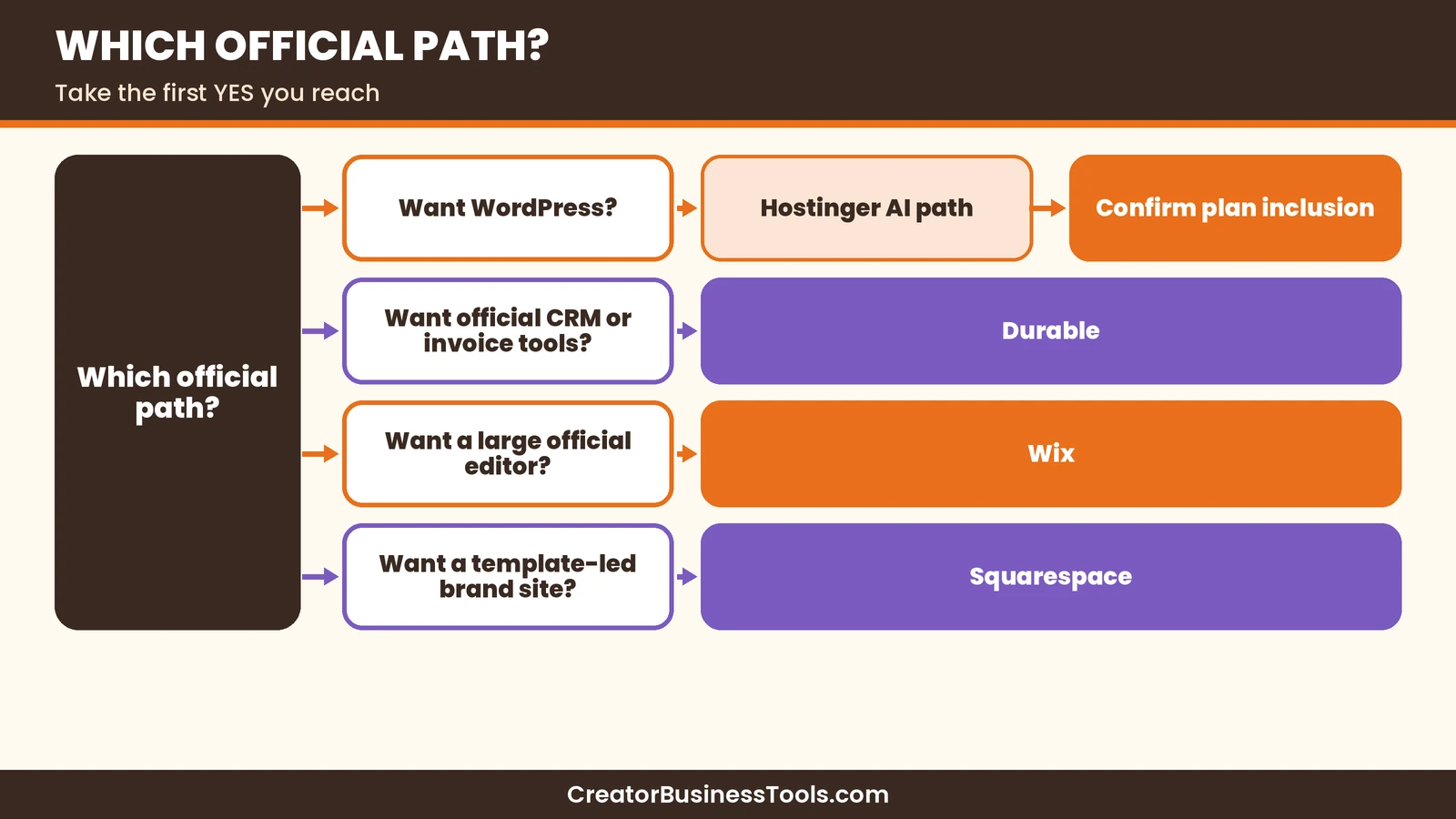
Choose Durable if you want a first service site and official pages that describe CRM, bookings, or invoices in the same product family. It is a weaker fit if you already know you want WordPress, or if a large catalog is the main job.
Rewrite the generated copy before you connect a domain. A first draft is not a finished offer page.
When a WordPress or template desk is the better match
Choose the Hostinger AI path if you want WordPress. Confirm official plan inclusion first. Choose Wix if you want a broad official editor and platform. Choose Squarespace if you want a template-led brand site. Choose a commerce-led desk if a store is the main job.
Mistakes I would avoid
- Treating four official desks as the same “AI builder”
- Assuming a free plan with limits includes a public custom domain
- Buying a Hostinger plan before confirming official AI-builder inclusion
- Mixing Hostinger’s WordPress AI path with its drag-and-drop Website Builder
- Treating generated copy as finished writing
- Forcing a store onto a desk whose official pages point you elsewhere
How I would shortlist from official pages
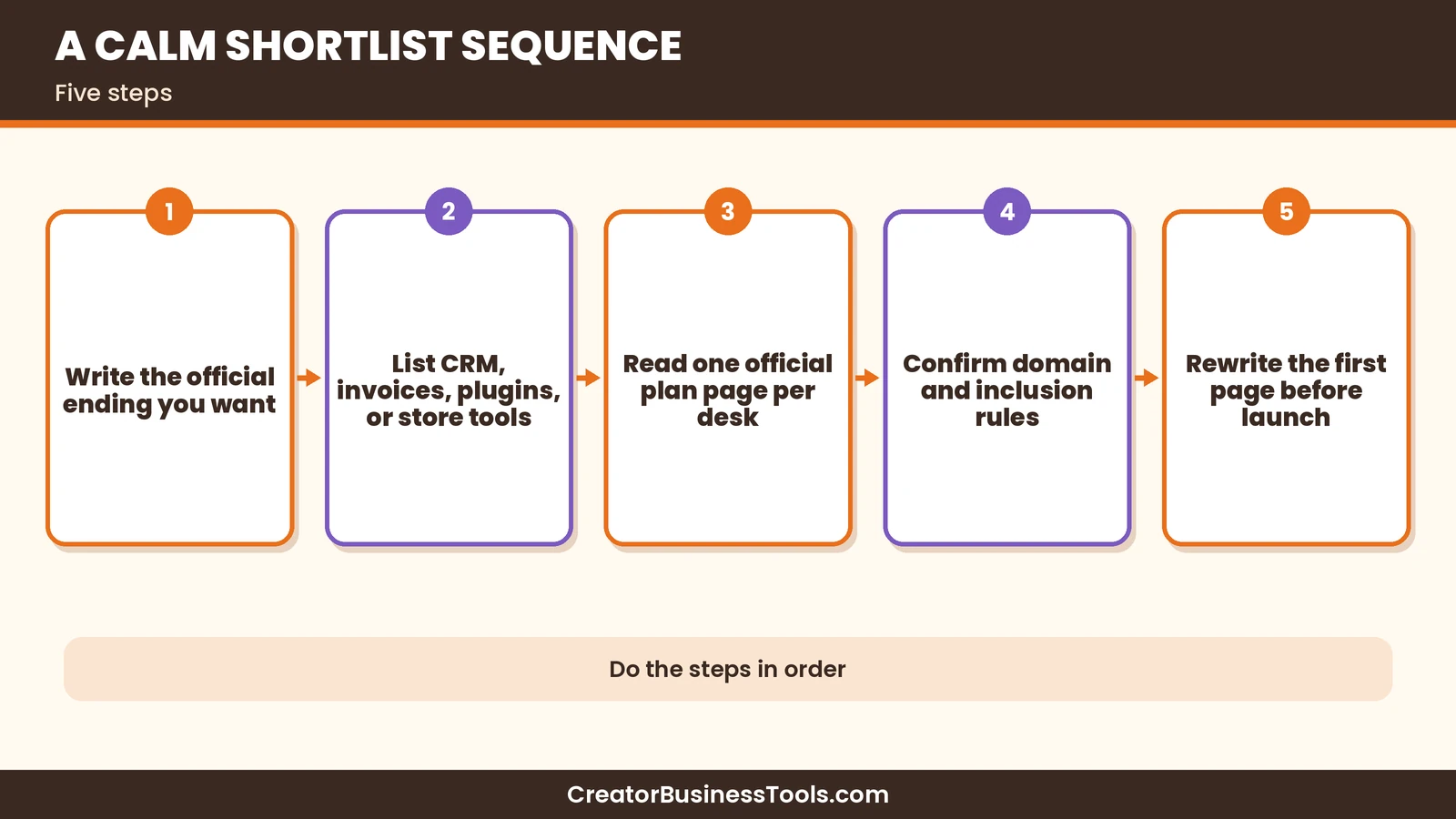
I am writing this shortlist of the best AI website builders for small business from official product and pricing pages, not from four generated test sites. If I were choosing from those pages alone, I would write the ending first: a Durable business desk, WordPress, a large official editor, or a template-led brand site.
I would then list whether I need a CRM, invoices, plugins, or a store. I would read one official plan page for each shortlist item, confirm domain and inclusion rules, and rewrite the first page before a public launch. I would not hop between four generated drafts in the same week.
Domain, branding, and the first public URL
Official Durable pages draw a hard line between a free plan with limits and paid rungs. The free plan uses a Durable subdomain and a private preview. Paid rungs describe a custom-domain path and the option to remove Durable branding.
On Hostinger, the domain path sits with the hosting plan you pick. On Wix and Squarespace, official paid rungs describe custom-domain paths, and a free Wix plan has official limits of its own. Confirm the official domain rule before you announce a public URL.
Team seats, credits, and a short inventory
If more than one person will edit the site, confirm official team seats or WordPress user roles on the plan you pick. If you will use AI writing or image tools often, confirm official credit allowances where the desk uses them.
Keep a short inventory next to the official plan page. Write the ending you want. Write the domain you want. Write the business tools you need. Write who will edit the site. This inventory is how you avoid buying a rung that does not include the official tool you thought was included.
What this shortlist cannot tell you
This shortlist cannot tell you which generated layout will look more like your brand. I did not run the same prompt on four desks. Official marketing also cannot tell you whether your offer is clear.
Stay on one official path long enough to finish the contact page and the service list. A second generated draft on a second desk will still need the same rewrite.
Copy, SEO tools, and the same quality bar
All four official desks describe some form of writing help, SEO tools, or starter copy. None of them can invent your offer. A generated About page still needs your voice, your proof, and a working contact path.
Set the same quality bar on every desk: the offer is in your words, the page is readable on a phone, and the links work. If a draft fails that bar, stay on the same official path and rewrite it. Changing builders will not finish the writing.
A short inventory helps here too. Write the one sentence that describes the business. Use that sentence as the first prompt, then as the rewrite checklist. If the published page still cannot say that sentence clearly, the problem is the offer, not the shortlist.
Questions to confirm on official pages
- Durable free-plan limits for domain, branding, credits, and CRM
- Whether Durable invoices and bookings are included on the exact paid rung
- Hostinger AI website builder plan inclusion
- Official Wix plan display for your location, plus domain and AI-tool rules
- Official Squarespace AI-assisted tools for the plan you pick
- Official store rules, if a catalog is in the plan
My honest take
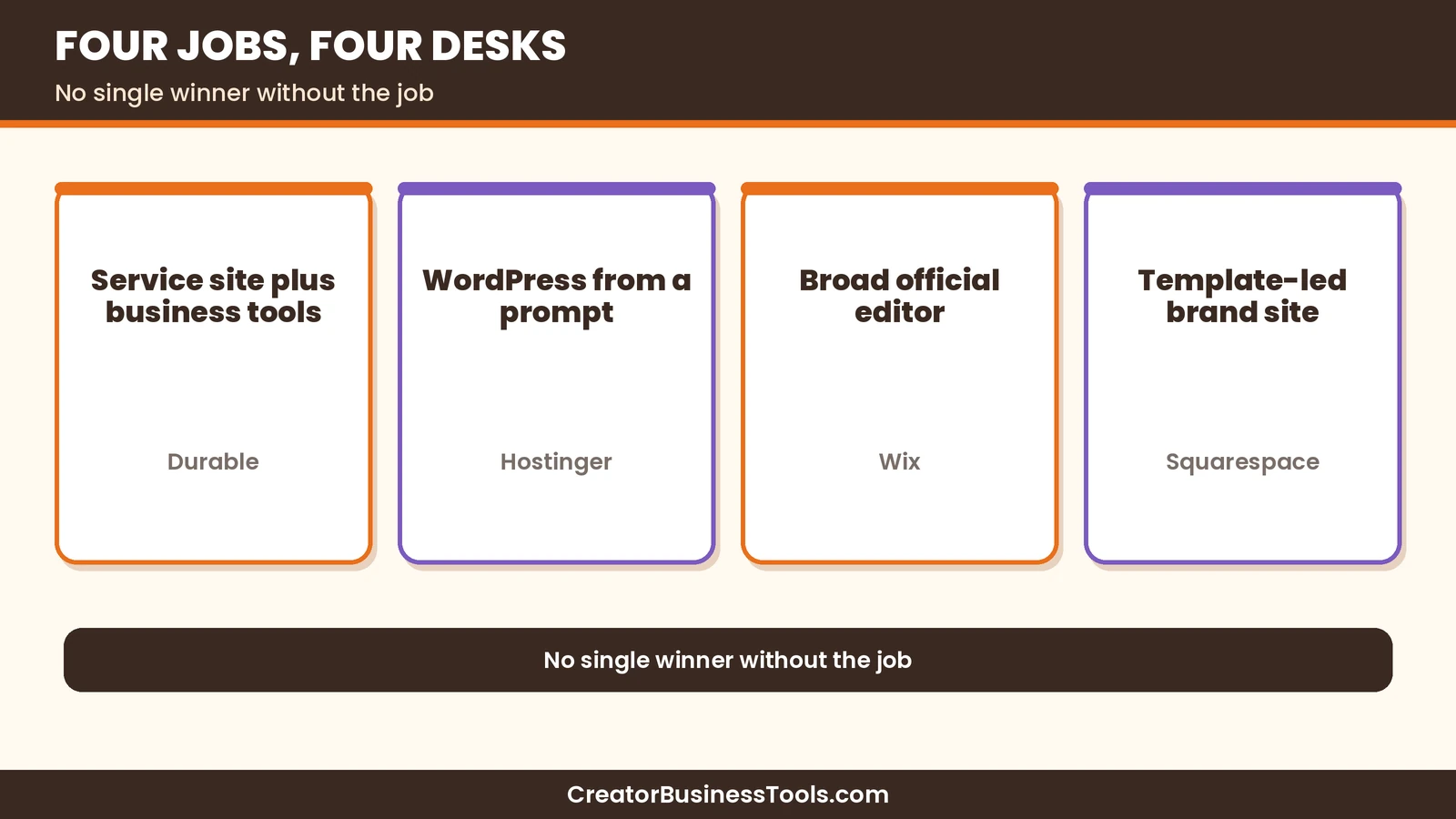
The best AI website builders for small business depend on the official ending. Durable is the prompt-first business desk. Hostinger is the WordPress prompt-to-layout path. Wix is the broad official site platform. Squarespace is the template-led site ladder.
I would not pick a single winner in the abstract. I would pick the editor I want to live in, confirm official limits, and rewrite the first page before I treat the site as public.
Related reading: Hostinger AI Website Builder review, Hostinger vs SiteGround, How to start a blog with Hostinger, Squarespace vs Webflow vs Framer.
FAQ
What should I look for in the best AI website builders for small business?
Look for the official ending, official plan limits, and the tools you need after the first page. A prompt is only the start. Confirm domain rules, business tools, and plan inclusion on official pages.
Does Durable have a free plan?
Yes. Official Durable pricing describes a free plan with limits, including a Durable subdomain and a preview path. Paid rungs describe a custom-domain path and a fuller tool set.
Is a WordPress AI builder a better fit than Durable?
It is a better fit if you want WordPress. Use the Hostinger AI website builder path in that case, and confirm official plan inclusion. Use Durable if you want a prompt-first business desk and official tools around CRM or invoices.
Are Wix and Squarespace AI website builders?
Wix officially describes an AI website builder and AI creation tools. Squarespace officially sells a template-led site-plan ladder; confirm any official AI-assisted tools on the current product pages for the plan you pick.
Get the free AI-builder shortlist checklist
Free checklist: Get our free Ai-Builder Shortlist Checklist — for comparing official first-site paths, plan limits, and business tools before you buy. Contact us to request a copy.
Conclusion: best AI website builders for small business, by job
The best AI website builders for small business are official paths that match the job after the first page. If you want a prompt-first service site plus official business tools, start with Durable. If you want WordPress, start with the Hostinger AI website builder path and confirm official plan inclusion. If you want a broader official editor, look at Wix. If you want a template-led brand site, look at Squarespace. Rewrite the first page, confirm official limits, and let that finished page tell you whether the desk fits.