
Cloudways Review: Managed Cloud Hosting With a Provider You Choose
Disclosure: This post contains affiliate links. If you buy through them, we may earn a commission at no extra cost to you. How we make money.
This Cloudways review is for bloggers and small-business owners who want managed hosting, but also want to choose the cloud provider under the site. I am comparing Cloudways with SiteGround, Kinsta, and WP Engine, using official product and pricing pages. This is a map of official plan shape, not a timed speed test.
The reader’s problem: managed hosting, or a server you still have to size
A new WordPress site often starts on a shared plan with a simple onboarding path. That path is easy to follow. It can also hide a later jump in the bill, or leave you with less control over the server under the site.
A managed cloud desk asks a different first question: which provider, and which server size? That can be the right question if you want to grow the server later. It can be the wrong question if you wanted a one-rung beginner plan and a finished WordPress wizard.
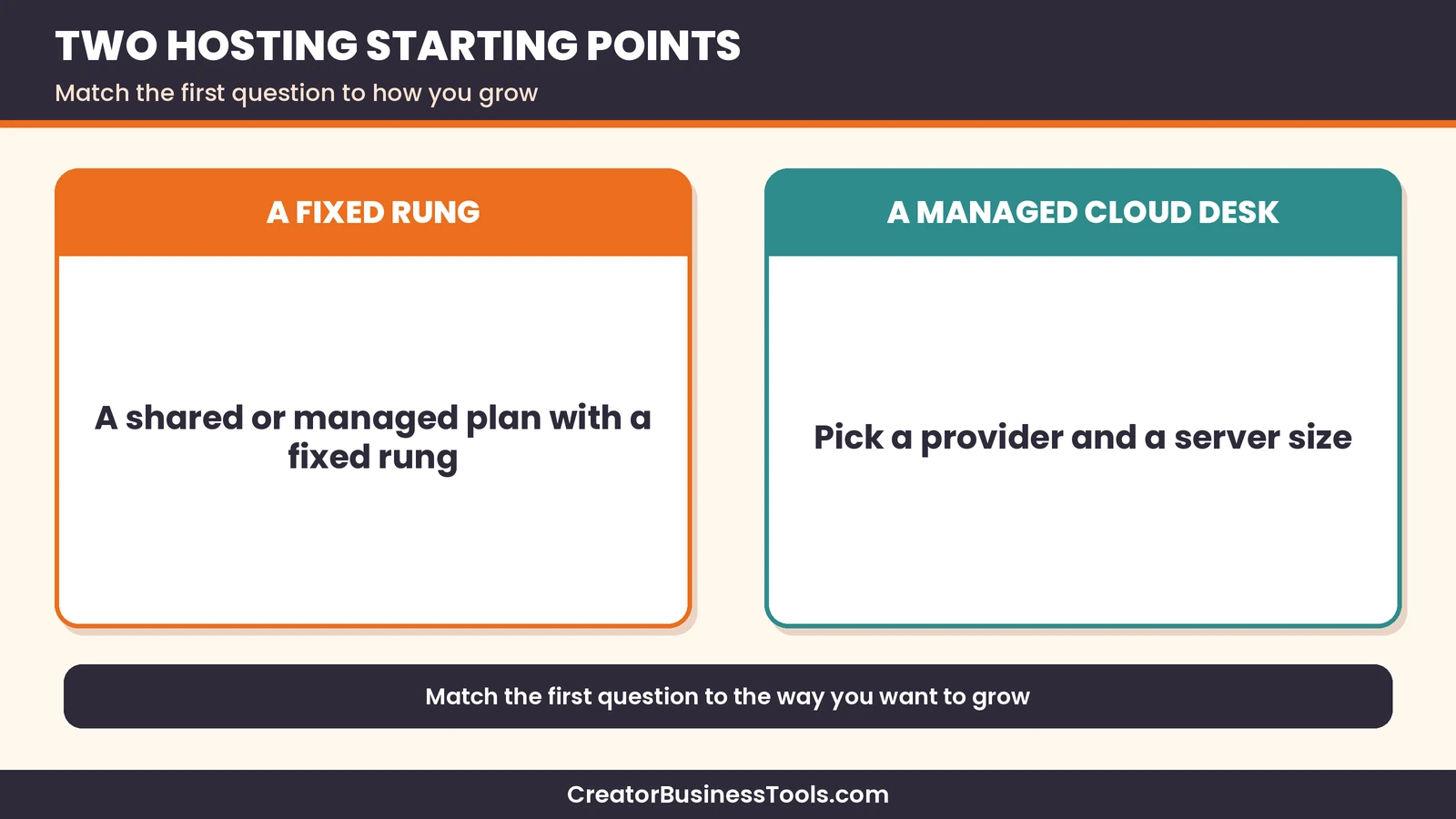
Three criteria for this Cloudways review
Criterion one: the official desk you will live in
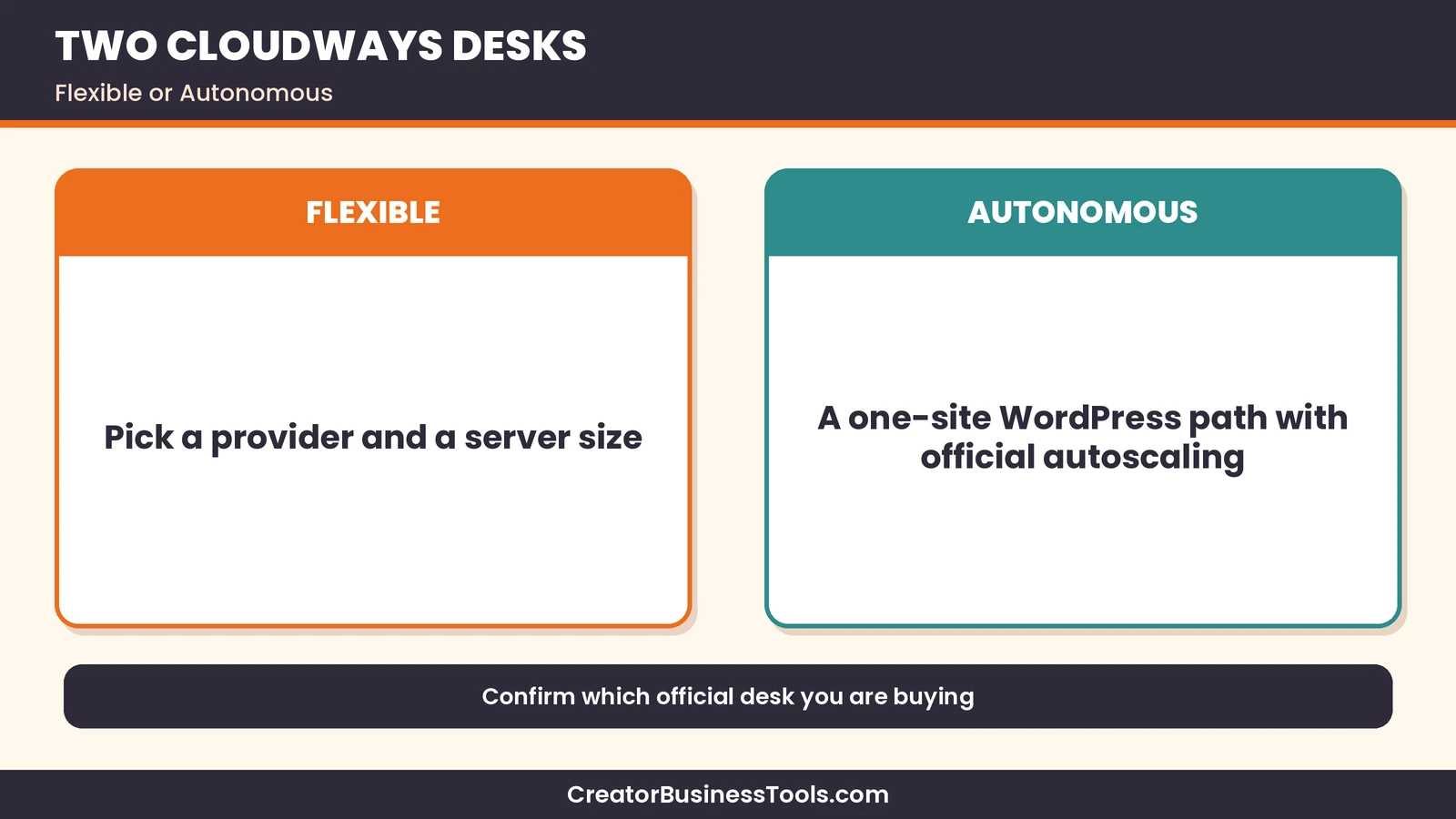
Official Cloudways pages describe a Flexible path, where you pick a cloud provider and a server size, and an Autonomous path for a single WordPress site that can scale on its own. Those are different desks. This review starts there.
Criterion two: official limits you can confirm
Look for official caps on sites, storage, visits, bandwidth, and backups. Do not assume a shared-hosting rung and a cloud server use the same kind of limit.
Criterion three: the work after the first site
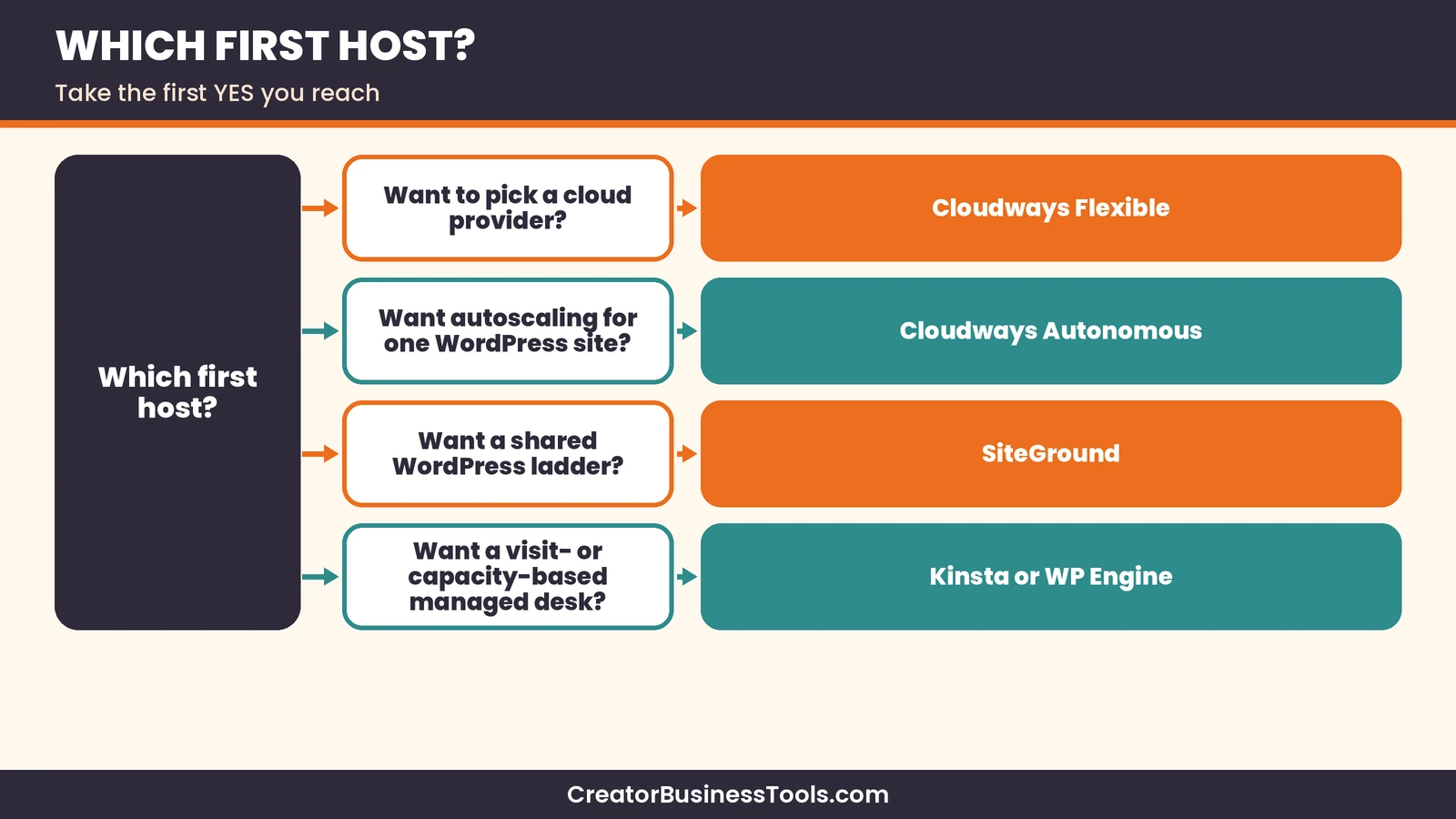
If you want a simple beginner onboarding path, a shared WordPress host may fit better. If you want a visit-based managed desk, Kinsta or WP Engine may fit better. If you want to choose the provider under the site, Cloudways Flexible is the path under review.
Cloudways review, at a glance
| Product | Best for | Key strength | Drawback | Price tier |
|---|---|---|---|---|
| Cloudways | People who want a managed cloud server and a provider they can choose | Official Flexible path with several providers, plus a separate Autonomous WordPress path | You still size a server, and I did not run a speed test | Budget to premium rungs, depending on provider and size |
| SiteGround | Beginners who want a shared WordPress ladder with a clear first rung | Official StartUp, GrowBig, and GoGeek rungs, with a simple site-count story | Confirm the official standard or renewal rate on the pricing page, not only the first displayed figure | Budget to mid-range official standard rungs |
| Kinsta | Sites that want a visit- or bandwidth-based managed WordPress desk | Official Business plan family with clear install counts and visit or bandwidth rungs | It is not a pick-your-provider cloud desk | Mid-range to premium official rungs |
| WP Engine | Sites that want a managed WordPress platform with capacity rungs | Official Essential capacity ladder, plus Business and Enterprise desks | Confirm the official plan name and capacity on the current public page | Mid-range to premium official rungs |
For a longer look at SiteGround, see the published SiteGround review. For a Kinsta-led comparison with WP Engine, see Kinsta vs WP Engine.
Cloudways
What it is
Cloudways is a managed cloud hosting platform. Official Flexible pages describe a path where you choose a provider — DigitalOcean, Vultr, Linode, AWS, or Google Cloud — then a server size. Official materials also describe a Lightning Stack, staging, SSL, backups, and 24/7 support on the paid desk.
Official pages also describe Autonomous: a one-site WordPress path with autoscaling, a Cloudflare Enterprise CDN, and a set bandwidth and disk quota. That is not the same product as Flexible. If you wanted a shared beginner plan, neither path is a classic shared host.
Pros of Cloudways
- Official Flexible path lets you choose the provider and the server size
- Official pages say you can launch more than one application on a Flexible server, within that server’s resources
- Official materials describe staging, SSL, backups, and vertical scaling
- Autonomous is a separate official path if you want autoscaling for one WordPress site
- Official billing pages describe hourly tracking, with a monthly cap on some providers
Cons of Cloudways
- You still have to size a server, which is a different first job than a shared plan
- AWS and Google Cloud prices can vary by region, so the card you first see may not be the region you pick
- Autonomous covers one website per plan, according to official FAQ
- I did not launch a server or migrate a live site for this review
- Some official add-ons, such as enterprise CDN on Flexible, are priced separately
SiteGround, Kinsta, and WP Engine, in brief
SiteGround officially sells a three-rung WordPress hosting ladder: StartUp, GrowBig, and GoGeek. StartUp is one site. GrowBig and GoGeek allow more sites and add tools such as staging. It can be a better first desk if you want a shared-hosting onboarding path. Confirm the official standard or renewal rate on the pricing page, not only the first displayed figure. The published Hostinger vs SiteGround guide covers that caution from another angle.
Kinsta officially sells managed WordPress plans with a set number of installs and a visit- or bandwidth-based rung. Official pages also describe staging, migrations, and a support desk on every plan. It is a better fit if you want a finished managed WordPress platform and you think in visits or bandwidth, not in cloud providers.
WP Engine officially sells a Managed Hosting Platform with Essential capacity rungs, plus Business and Enterprise. Official pages describe backups, staging, a global CDN, and managed WordPress updates. Confirm the official capacity — sites, visits, and storage — on the plan you pick.
Best-use-case recommendations
| Situation | Pick | Why |
|---|---|---|
| You want to choose the cloud provider under a managed site | Cloudways Flexible | Official provider-and-size path |
| You want autoscaling for one WordPress site, without picking a VPS size | Cloudways Autonomous | Official one-site autoscaling desk |
| You want a shared WordPress ladder and a simple first rung | SiteGround | Official StartUp to GoGeek story |
| You think in visits or bandwidth, and want a managed WordPress desk | Kinsta | Official install-and-visit (or bandwidth) rungs |
| You want a managed WordPress platform with a capacity ladder | WP Engine | Official Essential, Business, and Enterprise desks |
| You want the simplest beginner blog walkthrough | A beginner shared path, such as the published How to Start a Blog with Hostinger guide | A shorter first-site path than a cloud server |
Pricing structure, without the noise
Cloudways Flexible pricing follows the provider and the server size you pick. Official pages show a monthly figure and an hourly rate. DigitalOcean, Vultr, and Linode have an official monthly cap if the server runs the full month. AWS and Google Cloud can vary by region and do not use that same cap. Autonomous uses its own official one-site plan family.
SiteGround, Kinsta, and WP Engine use their own official rungs. I am not restating dollar amounts here. Read official pages when you buy, and budget the official standard or renewal rate, not only the first figure on the page.
When Cloudways is a good fit
Choose Cloudways if you want a managed layer on top of a cloud provider you can name. Flexible fits a site that may grow by moving to a larger server. Autonomous fits a single WordPress site that needs official autoscaling, if you confirm the official quota.
It is a weaker fit if you wanted a one-click shared beginner plan and you did not want to think about RAM or a provider.
When another desk is a better fit
Choose SiteGround if you want a shared WordPress ladder. Choose Kinsta if you want a visit- or bandwidth-based managed desk. Choose WP Engine if you want that platform’s official capacity ladder. Choose a beginner shared walkthrough if the first post matters more than the cloud brand under the site.
Mistakes I would avoid
- Treating Flexible and Autonomous as the same product
- Sizing a Flexible server without reading official bandwidth and backup rules
- Budgeting from the first figure on a pricing page, then being surprised later
- Assuming Autonomous can hold several sites on one plan
- Treating this Cloudways review as a speed test; I did not run one
- Picking AWS or Google Cloud without checking the official regional price
How I would choose from official pages
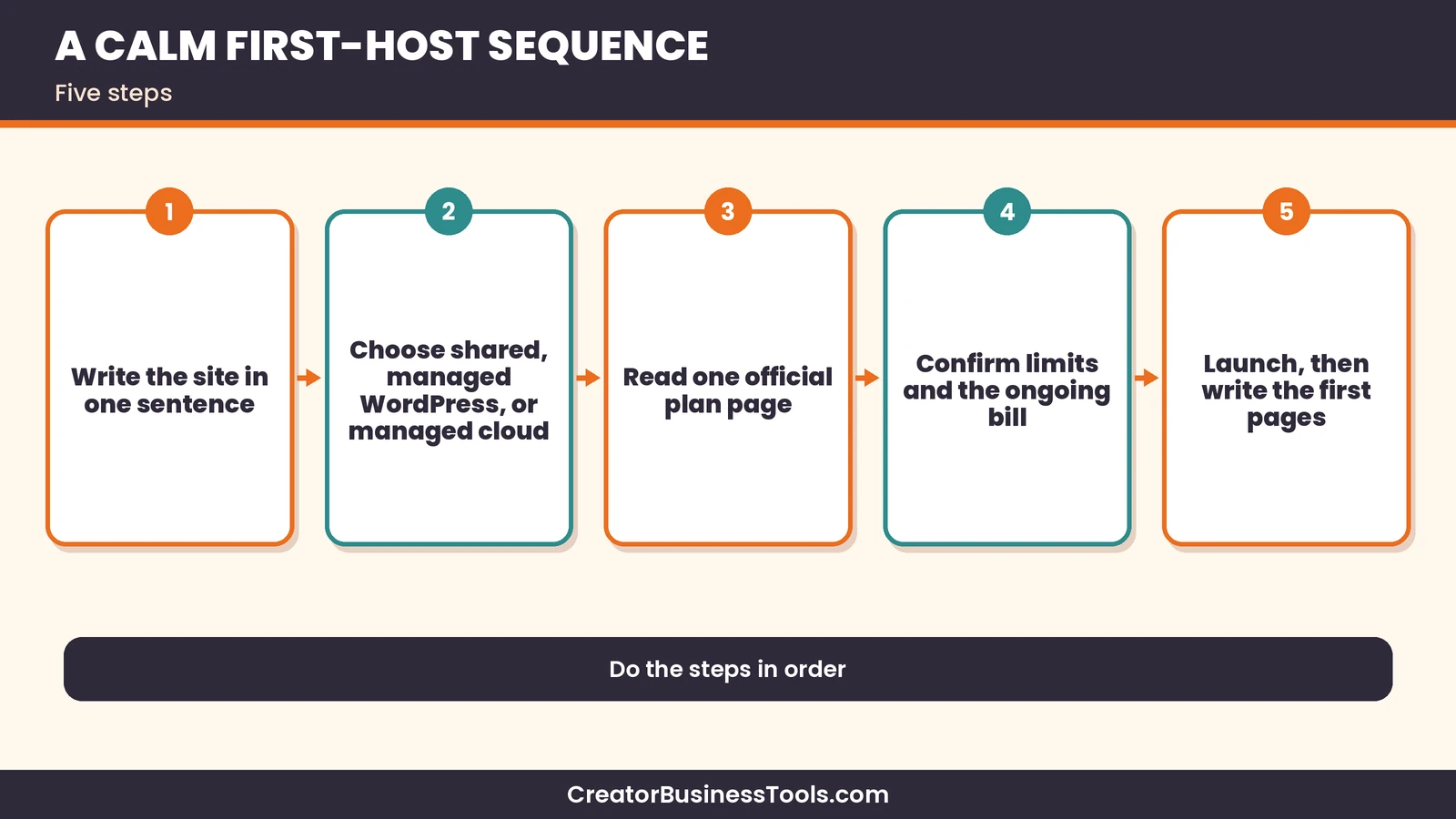
I am writing this Cloudways review from official product, pricing, and help pages, not from a launched test server. If I were choosing from those pages alone, I would write the first job in one sentence: a simple blog, a site that may need a larger server, or a single WordPress site that should scale on its own.
If the job was a simple blog, I would start with a shared official ladder, not a cloud server. If the job was a managed server I could resize, I would start with Flexible, pick a familiar provider, and read the official size chart before launch. If the job was one high-traffic WordPress site, I would read Autonomous quotas next to Kinsta or WP Engine, then pick one official desk and stay there long enough to finish the first pages.
Providers, regions, and what a Flexible server holds
Official Flexible pages list five providers. DigitalOcean, Vultr, and Linode use one official price regardless of region, according to the pricing FAQ. AWS and Google Cloud do not. If region matters, confirm the official figure for the region you will actually use.
Official FAQ also says there is no fixed cap on how many applications you can launch on one Flexible server. The real limit is the work the server can hold. If CPU or RAM stays high, official guidance is to move up a size. That is a different limit story from a plan that sells a set number of WordPress installs.
Backups, add-ons, and the bill after launch
Official Cloudways pages describe automated backups. Help pages also describe a separate charge for off-site backup storage. Some performance and security add-ons are official extras. Read those lines before you treat the server card as the whole bill.
On Autonomous, official FAQ describes overage charges if you go past disk, bandwidth, or autoscaling baselines. You can set an official threshold so autoscaling pauses. Confirm that control if a spike in traffic is part of your plan.
Support, migrations, and what the official desk includes
Official Cloudways pages describe 24/7 support on the paid desk, a staging environment, and SSL. Official marketing also describes a managed migration path for the first site, handled by engineers. I did not watch a migration from start to finish, so I cannot grade that path. If you already have a blog elsewhere, read the official migration page and keep a current backup before you move.
Flexible also has official add-ons. Help and pricing pages describe a Cloudflare Enterprise option as a paid extra on Flexible, billed per domain. Official materials describe Object Cache Pro on larger Flexible servers. Those details matter when you compare a Flexible bill with a managed WordPress platform that already includes a CDN on the plan.
Autonomous official feature lists include a Cloudflare Enterprise CDN and Object Cache Pro on that path. That is one reason Autonomous can look closer to Kinsta or WP Engine than a bare Flexible server does. Confirm the official feature list for the exact desk you will buy.
Billing rhythm on Flexible
Official help pages describe how Flexible billing works. Some providers use hourly tracking with a monthly cap if the server runs the full month. AWS and Google Cloud stay on hourly billing and can change by region. Official FAQ also says that stopping a server does not stop the bill. If you launch a test server, read that rule before you walk away from the dashboard.
Invoices are issued on an official monthly cycle for the prior period. Official pages list cards and PayPal as payment methods. There is no classic annual plan on Flexible in the same way a shared host may show a longer billing term. If you want to prepay, official materials describe a wallet path. I am not treating that wallet as a reason to pick the desk; it is only a billing detail to confirm.
What you still need besides hosting
Cloudways is a hosting desk. A domain, professional email, and a content plan still sit outside the server card. Official pages may point to partner tools for those jobs. Confirm what is included and what you will buy separately, especially if you are moving from a shared host that bundled a domain or mailbox.
The same caution applies to SiteGround, Kinsta, and WP Engine. A managed WordPress plan can look complete on a pricing page and still leave domain and email as separate purchases. Write those costs down next to the hosting rung.
A calm way to compare four official desks
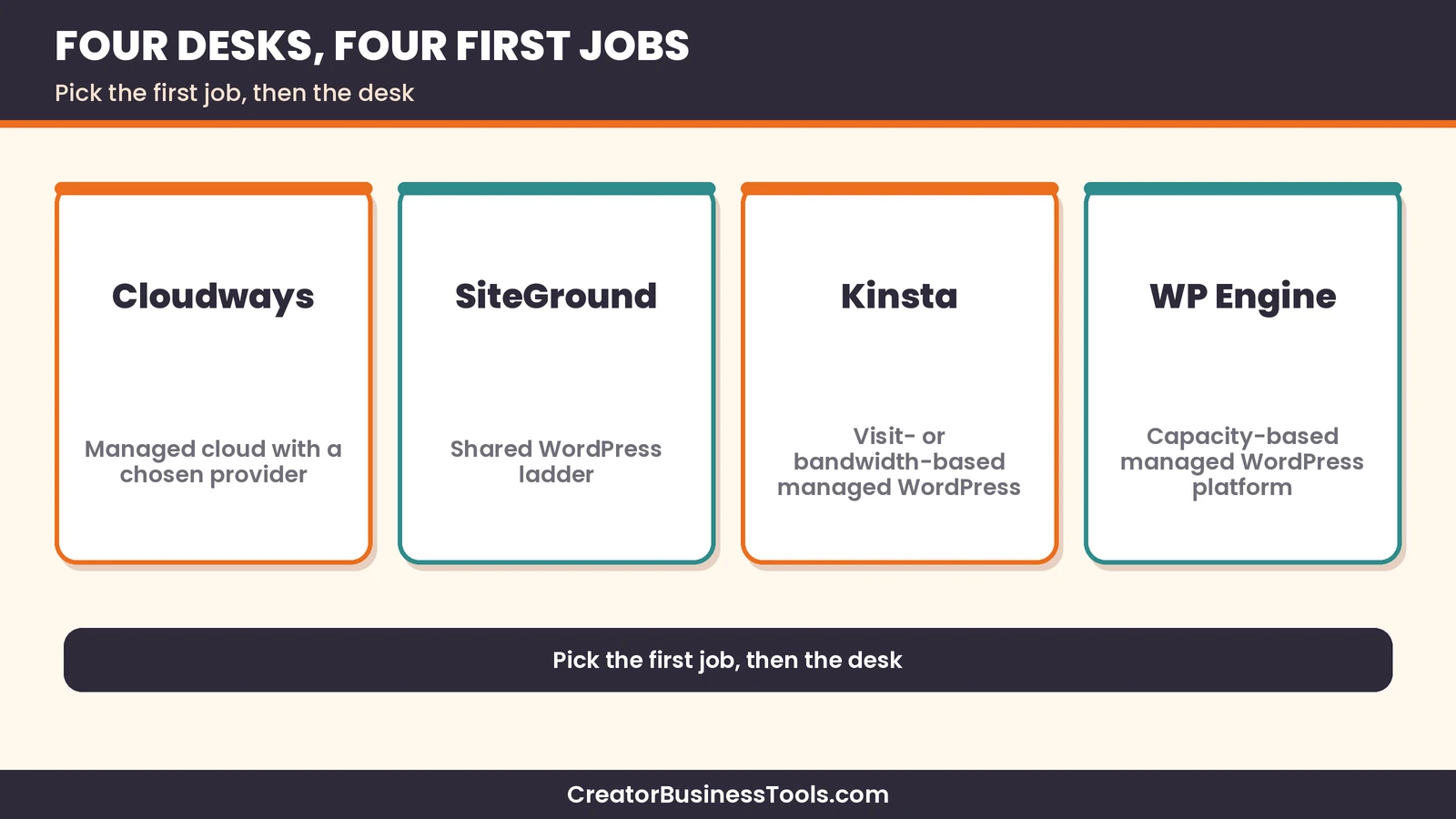
If I line the four official desks next to each other, the first difference is the unit you buy. Cloudways Flexible sells a server on a named provider. SiteGround sells a shared WordPress rung with a site-count story. Kinsta sells a managed WordPress plan with installs and visits or bandwidth. WP Engine sells a managed WordPress platform with a capacity ladder.
The second difference is how you grow. Flexible growth often means a larger server, or a second server. Autonomous growth follows official autoscaling rules for one site. SiteGround growth often means a higher official rung with more tools. Kinsta and WP Engine growth often means a higher visit, bandwidth, or capacity rung.
The third difference is the first hour of work. Flexible asks you to pick a provider and a size. The other three desks ask you to pick a plan first. That is not a quality ranking. It is a work ranking. Pick the first hour you are willing to do.
What this review cannot tell you
This Cloudways review cannot tell you which host will feel faster for your theme and plugins. I did not migrate a site or measure TTFB. Official marketing also cannot write your first post.
Stay on one official desk long enough to finish the domain, the SSL path, and the first article. A second host will still need the same writing.
Questions to confirm on official pages
- Whether you are looking at Flexible or Autonomous
- Provider, region, and server size on Flexible
- Autonomous quotas for disk, bandwidth, and one-site rules
- Backup and add-on charges
- Visit, storage, and site caps on SiteGround, Kinsta, or WP Engine, if you compare those desks
- The official standard or renewal rate, not only the first displayed figure
My honest take
This Cloudways review is a desk match, not a trophy. Cloudways is the managed cloud desk with a provider you choose, plus a separate Autonomous WordPress path. SiteGround is the shared WordPress ladder. Kinsta and WP Engine are managed WordPress platforms with official capacity stories.
I would start with the first job, not the homepage slogan. If I needed a provider I could name and a server I could resize, I would read Flexible first. If I needed a simple first blog, I would not force a cloud server into that job.
FAQ
What is Cloudways?
Official Cloudways pages describe a managed cloud hosting platform. Flexible lets you choose a provider and a server size. Autonomous is a separate official path for one WordPress site with autoscaling. There is no lasting official free plan on the public pricing pages I read.
Is Cloudways a good fit for a first blog?
It can be, if you are willing to pick a provider and a server size, or to read Autonomous as a one-site path. If you want the shortest beginner onboarding, a shared WordPress host may be a calmer first desk. See also How to Start a Blog with Hostinger.
How is Cloudways different from Kinsta or WP Engine?
Cloudways Flexible is a managed layer on a cloud provider you choose. Kinsta and WP Engine are official managed WordPress platforms with visit, bandwidth, or capacity rungs, and a set number of sites on each plan. Autonomous is closer to those desks in spirit, but it is still a different official product.
Does SiteGround make more sense than Cloudways?
It can, if you want a shared WordPress ladder with a simple first rung. Cloudways makes more sense if you want a managed cloud server you can resize, or official autoscaling for one WordPress site. Read official limits on both sides before you switch.
Get the free managed-cloud checklist
Free checklist: Get our free Managed-Cloud Checklist — for choosing a Cloudways provider, reading official server limits, and comparing a shared host before you launch. Contact us to request a copy.
Conclusion: a Cloudways review verdict
This Cloudways review comes down to the first question you want to answer. If you want a managed cloud desk and a provider you can choose, start with Cloudways Flexible and read the official size chart. If you want autoscaling for one WordPress site, read Autonomous next to the official quotas. If you want a shared or visit-based WordPress ladder, look at SiteGround, Kinsta, or WP Engine instead. Confirm official limits, budget the ongoing plan, and let the first published pages tell you whether the desk fits.