
Cloudways vs SiteGround: A Cloud Server Desk or a Shared Hosting Ladder?
Disclosure: This post contains affiliate links. If you buy through them, we may earn a commission at no extra cost to you. How we make money.
This Cloudways vs SiteGround guide is for bloggers and small-business owners who are choosing between a managed cloud server and a shared WordPress host. I am comparing Cloudways with SiteGround, plus Hostinger and Kinsta as nearby official desks, using official product and pricing pages. This is not a timed speed test.
The published Hostinger vs SiteGround guide already compares two beginner-friendly shared paths. This article answers a different first question: do you want to pick a cloud provider and a server size, or do you want a shared WordPress ladder with a clear first rung?
The reader’s problem: two honest first hours
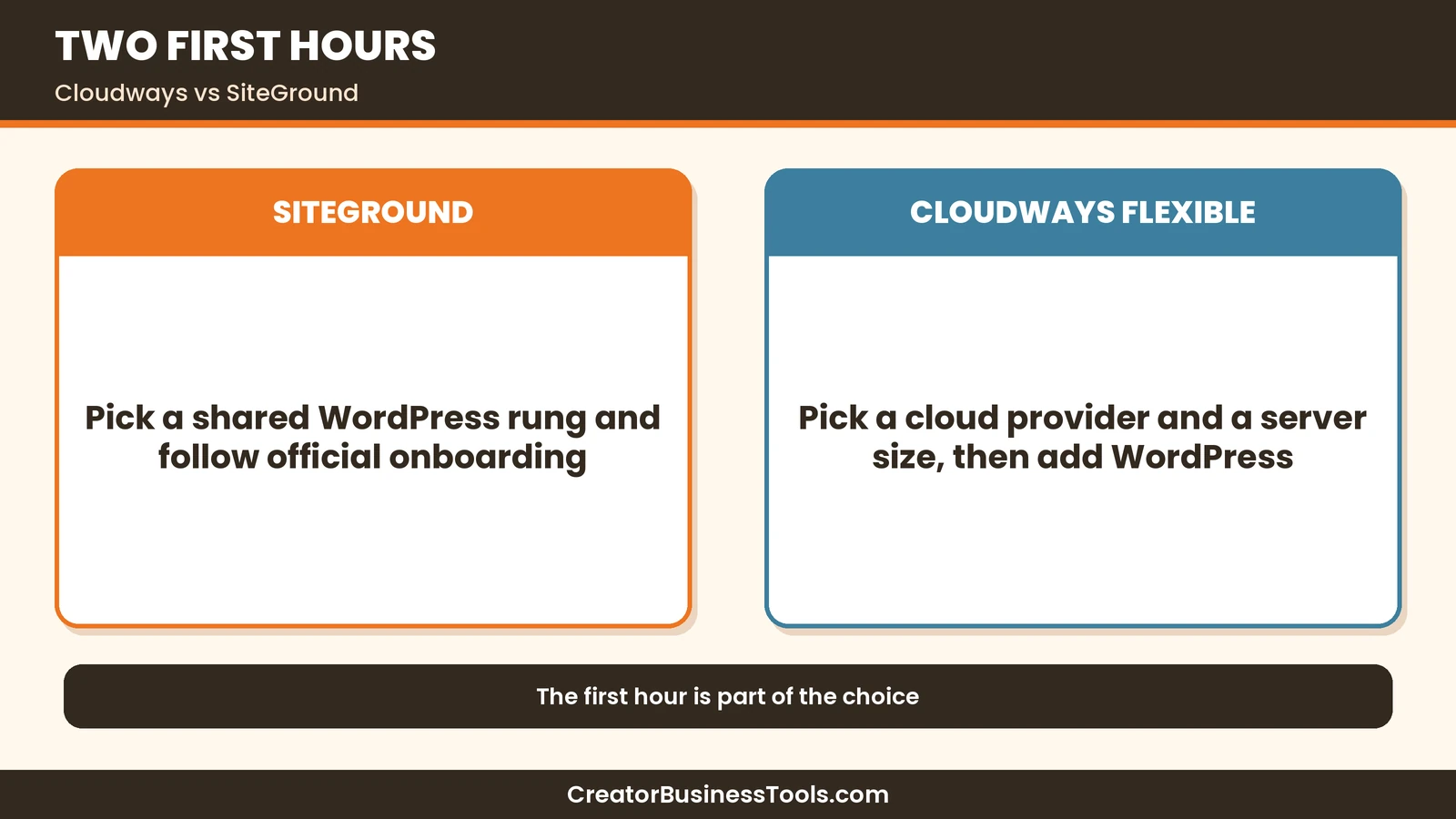
A shared WordPress host asks you to pick a plan, then walk through an official onboarding path. A managed cloud desk asks you to pick a provider and a server size, then add a WordPress application. Both can hold a real blog. They do not ask the same first hour of work.
If you pick the wrong first hour, the hosting is not “wrong” in the abstract. It is simply a heavier desk than the job you wanted, or a smaller desk than the growth you already expect.
Three criteria for Cloudways vs SiteGround
Criterion one: the unit you buy
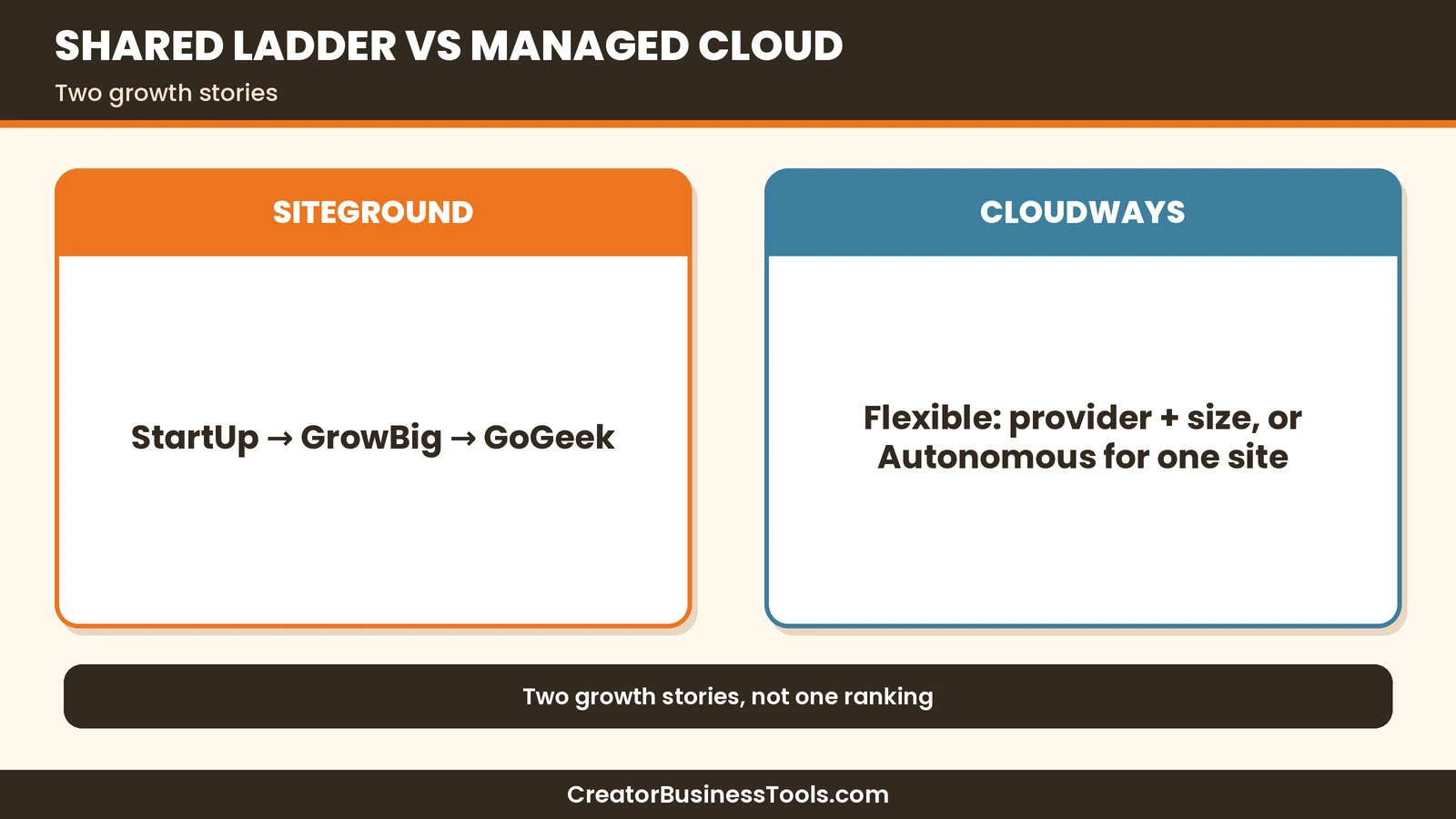
Official SiteGround pages sell StartUp, GrowBig, and GoGeek as WordPress hosting rungs with a site-count and storage story. Official Cloudways Flexible pages sell a server on a named provider. Autonomous is a third official unit: one WordPress site with autoscaling.
Criterion two: official limits you can confirm
Look for official caps on sites, storage, visits, bandwidth, and backups. A shared rung and a cloud server do not use the same kind of limit.
Criterion three: how you want to grow later
Shared growth often means a higher official rung. Flexible growth often means a larger server, or a second server. Autonomous growth follows official autoscaling rules for one site. Pick the growth story you are willing to manage.
Cloudways vs SiteGround, at a glance
| Product | Best for | Key strength | Drawback | Price tier |
|---|---|---|---|---|
| Cloudways | People who want a managed cloud server and a provider they can choose | Official Flexible path with several providers, plus a separate Autonomous WordPress path | You still size a server, and I did not run a speed test | Budget to premium rungs, depending on provider and size |
| SiteGround | Beginners and small sites that want a shared WordPress ladder | Official StartUp, GrowBig, and GoGeek rungs, with a simple site-count story | Confirm the official standard or renewal rate, not only the first displayed figure | Budget to mid-range official standard rungs |
| Hostinger | A simple first blog on a beginner-friendly shared path | Official WordPress onboarding and a published beginner walkthrough | It is not a pick-your-provider cloud desk | Budget to mid-range official renewal rungs |
| Kinsta | Sites that want a visit- or bandwidth-based managed WordPress desk | Official Business plan family with install counts and visit or bandwidth rungs | It is not a shared beginner ladder, and it is not a DIY cloud server | Mid-range to premium official rungs |
For a full SiteGround walkthrough, see the published SiteGround review. For a beginner blog path on a shared host, see How to Start a Blog with Hostinger.
Cloudways
What it is
Cloudways is a managed cloud hosting platform. Official Flexible pages describe a path where you choose DigitalOcean, Vultr, Linode, AWS, or Google Cloud, then a server size. Official materials describe staging, SSL, backups, 24/7 support, and a Lightning Stack on the paid desk.
Official pages also describe Autonomous: a one-site WordPress path with autoscaling and its own official quotas. That is not the same product as Flexible, and it is not a shared SiteGround rung. If you wanted a simple first blog, Flexible can be more work than you need.
Pros of Cloudways
- Official Flexible path lets you choose the provider and the server size
- Official pages say you can launch more than one application on a Flexible server, within that server’s resources
- Official materials describe staging, SSL, backups, and vertical scaling
- Autonomous is a separate official path if you want autoscaling for one WordPress site
- Official billing pages describe hourly tracking, with a monthly cap on some providers
Cons of Cloudways
- The first hour is heavier than a shared WordPress wizard
- AWS and Google Cloud prices can vary by region
- Autonomous covers one website per plan, according to official FAQ
- Some official Flexible add-ons, such as an enterprise CDN, are priced separately
- I did not launch a server or migrate a live site for this comparison
SiteGround
What it is
SiteGround officially sells shared WordPress hosting on a three-rung ladder: StartUp, GrowBig, and GoGeek. Official StartUp is one site. Official GrowBig and GoGeek allow more sites and add tools such as staging. Official pages also describe a set of data centers and a support desk on the paid plans.
SiteGround can be the calmer first desk if you want a shared onboarding path and a clear site-count story. Confirm the official standard or renewal rate on the pricing page, not only the first displayed figure.
Pros of SiteGround
- Official three-rung WordPress ladder is easy to explain
- Official StartUp is a simple one-site first plan
- Official GrowBig adds tools such as staging and on-demand backups
- Official GoGeek adds higher-rung tools such as Git and priority support
- A published review and a Hostinger comparison already map this desk in more detail
Cons of SiteGround
- It is not a pick-your-provider cloud desk
- The first figure on a pricing page may not be the ongoing official rate
- I did not run a speed test, so I am not repeating third-party speed claims
- Official plan limits still need a careful read, especially storage and site rules
- If you already know you want to resize a named cloud server, this is the wrong first question
Hostinger and Kinsta, as nearby desks
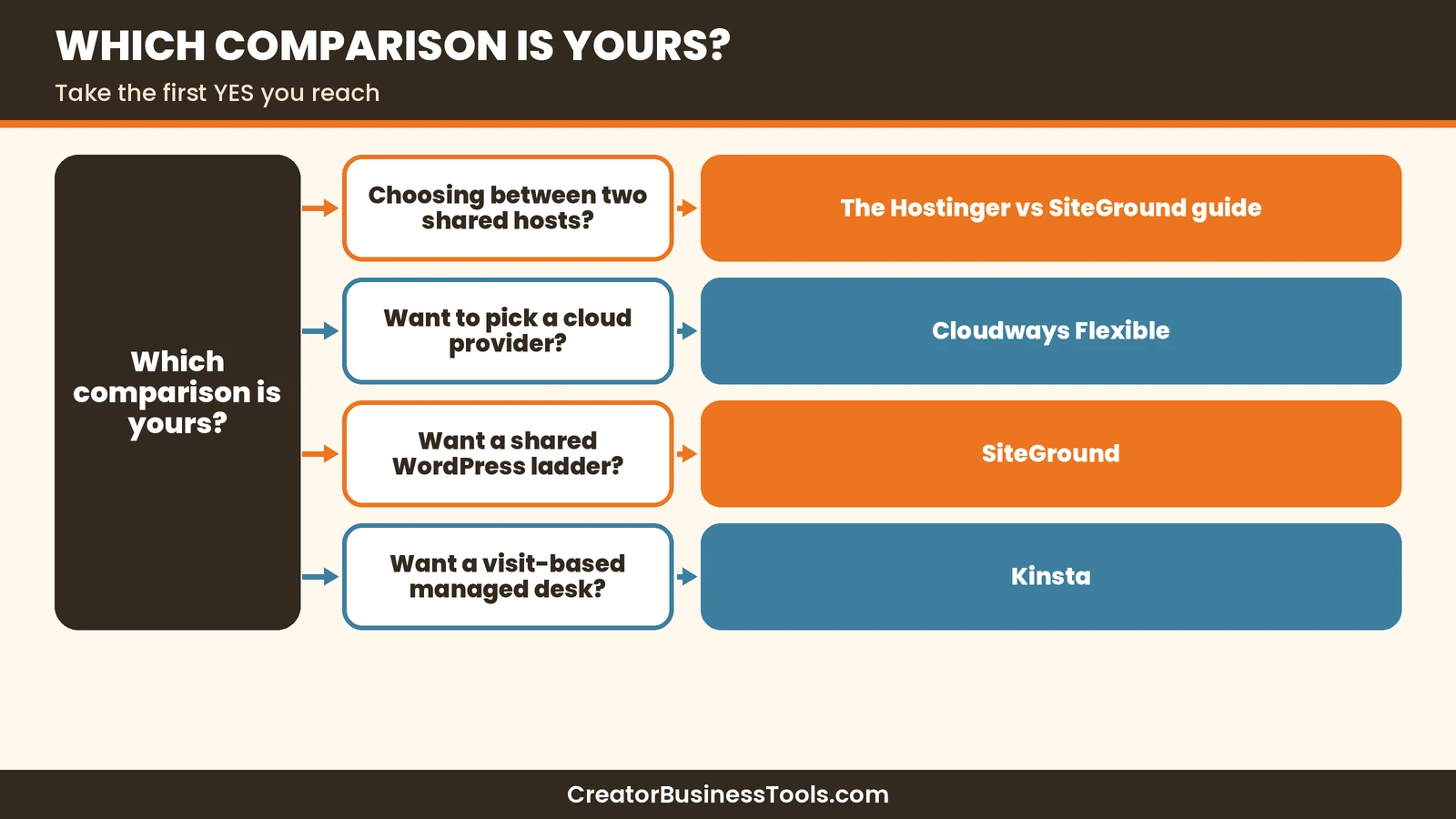
Hostinger is the nearby beginner shared path. If the job is to publish the first post without a long server setup, a shared host with a short official WordPress onboarding can fit better than a cloud server. That is the job of the published Hostinger beginner guide, not of a Flexible dashboard.
Kinsta is the nearby managed WordPress platform. Official pages sell plans with a set number of installs and a visit- or bandwidth-based rung. If you already think in visits, Kinsta may be closer to the job than either a shared SiteGround rung or a Flexible server. For a Kinsta-led comparison with WP Engine, see the published Kinsta vs WP Engine guide.
Best-use-case recommendations
| Situation | Pick | Why |
|---|---|---|
| You want to choose the cloud provider under a managed site | Cloudways Flexible | Official provider-and-size path |
| You want autoscaling for one WordPress site, without picking a VPS size | Cloudways Autonomous | Official one-site autoscaling desk |
| You want a shared WordPress ladder and a clear first rung | SiteGround | Official StartUp to GoGeek story |
| You want the shortest beginner blog walkthrough | Hostinger | Official onboarding plus a published first-post guide |
| You think in visits or bandwidth, not in cloud providers | Kinsta | Official install-and-visit (or bandwidth) rungs |
| You are comparing two shared hosts only | See Hostinger vs SiteGround | That guide already covers that job |
Pricing structure, without the noise
Cloudways Flexible pricing follows the provider and the server size. Official pages show a monthly figure and an hourly rate. DigitalOcean, Vultr, and Linode have an official monthly cap if the server runs the full month. AWS and Google Cloud can vary by region. Autonomous uses its own official one-site plan family.
SiteGround uses official StartUp, GrowBig, and GoGeek rungs. I am not restating dollar amounts here. Read the official standard or renewal rate, not only the first figure on the page.
Hostinger and Kinsta use their own official rungs. Budget the ongoing official rate on every desk in this table.
When Cloudways is a better fit than SiteGround
Choose Cloudways if the first question is the provider under the site, or if you already want a server you can resize. Flexible fits a site that may grow by moving to a larger size. Autonomous fits a single WordPress site that needs official autoscaling, if you confirm the official quota.
It is a weaker fit if you wanted a one-rung shared plan and a finished WordPress wizard.
When SiteGround is a better fit than Cloudways
Choose SiteGround if you want a shared WordPress ladder with a simple site-count story. StartUp can be enough for one site. GrowBig and GoGeek add official tools as the site count or the workflow grows.
It is a weaker fit if you already know you want to name the cloud provider and resize a server yourself, or if you want official autoscaling on a one-site Cloudways path.
Support, migrations, and the work after launch
Official Cloudways pages describe 24/7 support, staging, SSL, and a managed migration path for the first site. Official SiteGround pages also describe support, backups, and staging on the rungs that include those tools. I did not watch a migration on either desk, so I cannot grade the experience. Keep a current backup and read the official migration page before you move a live blog.
A domain and professional email can still sit outside either hosting card. Write those costs down next to the official plan. A “complete” pricing page is not a complete first-site budget on its own.
Billing rhythm and what can surprise you later
Official Cloudways help pages describe hourly tracking on Flexible, a monthly cap on some providers, and a rule that stopping a server does not stop the bill. Official SiteGround pricing pages can show a first figure that is not the official standard or renewal rate. Those are different surprises, but both are worth a careful read before you launch.
If you compare the two desks only by the first number on each page, you are not comparing the same kind of bill. Compare the official ongoing rate, the unit you buy, and the first hour of work.
Data centers, staging, and the official tool gap
Official SiteGround pages describe a set of data centers and a support desk on the paid plans. Official GrowBig and GoGeek add tools such as staging. Official StartUp is a simpler one-site rung, so confirm whether the tool you want sits on the rung you will actually buy.
Official Cloudways pages describe staging on the paid Flexible desk, along with SSL and backups. The tool gap is therefore not “one host has staging and the other does not” in the abstract. The gap is which official rung or server size includes the tool, and whether an add-on sits on top of the card.
If staging is part of how you will ship theme changes, read the official feature list before you pick StartUp, and read the official Flexible add-on list before you treat a small server as a finished platform.
Who should not treat this as a speed contest
Official marketing on both sides can talk about performance. I did not run a like-for-like test, so I am not ranking the two desks on TTFB, Core Web Vitals, or a plugin-heavy demo site. A theme, a cache layer, and a geographic audience can move those numbers more than a homepage slogan.
If speed is the only reason you opened this comparison, treat this article as a desk map, not as a lab result. Measure your own theme later, on the official desk you already chose, after the first pages are live.
What this comparison cannot tell you
This Cloudways vs SiteGround guide cannot tell you which host will feel faster for your theme and plugins. I did not measure TTFB or run a plugin-heavy test site. Official marketing also cannot write your first post.
Stay on one official desk long enough to finish the domain, the SSL path, and the first article. Switching hosts will still leave you with the same writing job.
Questions to confirm on official pages
- Whether you are looking at Cloudways Flexible or Autonomous
- Provider, region, and server size on Flexible
- Autonomous quotas for disk, bandwidth, and one-site rules
- SiteGround official standard or renewal rates for StartUp, GrowBig, or GoGeek
- Official storage, site, backup, and staging rules on the SiteGround rung you pick
- Domain and email costs on either side
- Backup and add-on charges on Cloudways
Mistakes I would avoid
- Treating Flexible and Autonomous as the same Cloudways product
- Treating this article as a repeat of Hostinger vs SiteGround
- Budgeting from the first figure on a pricing page, then being surprised later
- Assuming a Flexible server and a StartUp plan use the same kind of limit
- Repeating official speed claims as if I had tested them
- Picking AWS or Google Cloud without checking the official regional price
- Moving a live site without a current backup and an official migration read
How I would choose from official pages
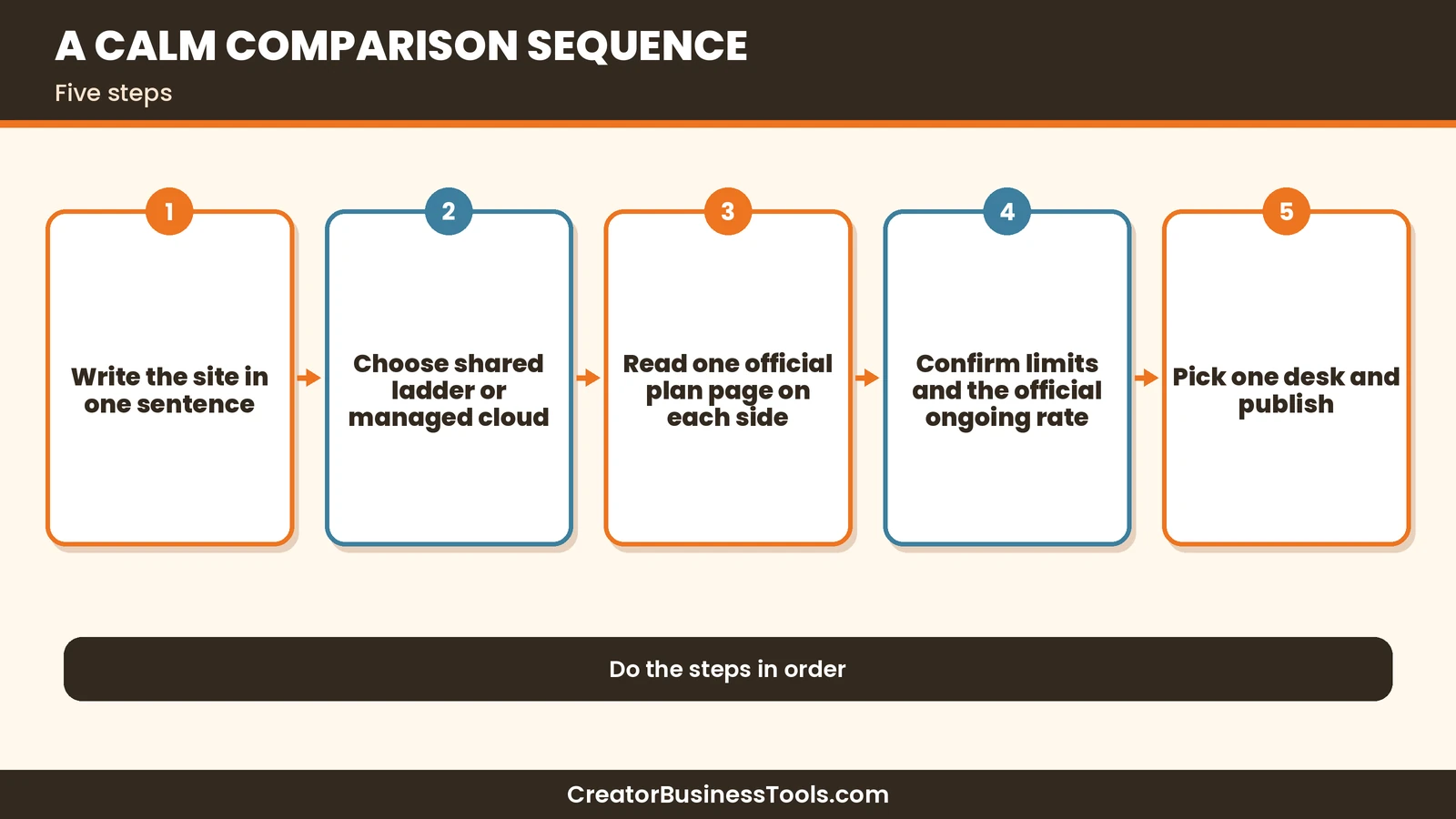
I am writing this Cloudways vs SiteGround comparison from official product, pricing, and help pages, not from a launched test server. If I were choosing from those pages alone, I would write the first job in one sentence.
If the job was a simple first blog, I would start with a shared official ladder — SiteGround or Hostinger — and I would not force a cloud server into that job. If the job was a managed server I could resize, I would start with Cloudways Flexible, pick a familiar provider, and read the official size chart before launch. If the job was one WordPress site that should scale on its own, I would read Autonomous next to Kinsta, then pick one official desk.
My honest take
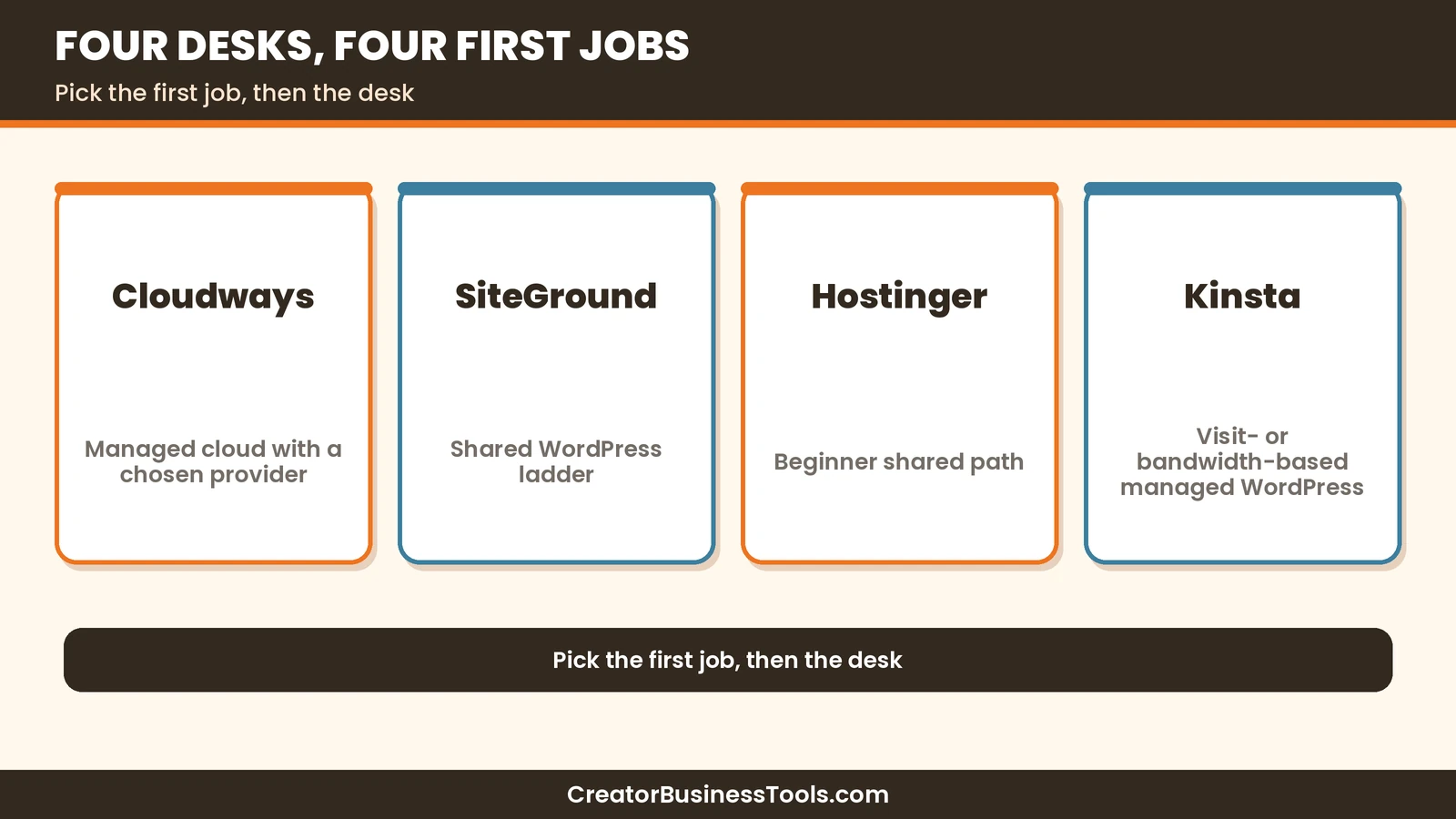
Cloudways vs SiteGround is a desk match, not a trophy. Cloudways is the managed cloud desk with a provider you choose, plus a separate Autonomous WordPress path. SiteGround is the shared WordPress ladder. Hostinger is the nearby beginner shared path. Kinsta is the nearby visit-based managed desk.
I would start with the first hour I am willing to do. If I wanted a shared wizard, I would not start on Flexible. If I wanted a named cloud provider, I would not start on StartUp.
FAQ
Is Cloudways better than SiteGround for a first blog?
Not automatically. If you want the shortest shared onboarding path, SiteGround or Hostinger can be a calmer first desk. Cloudways can fit if you are willing to pick a provider and a server size, or to read Autonomous as a one-site path.
What is the main difference between Cloudways and SiteGround?
The unit you buy. Official Cloudways Flexible pages sell a server on a named provider. Official SiteGround pages sell a shared WordPress rung with a site-count story. Autonomous is a third official unit, closer in spirit to a one-site managed WordPress desk.
Can I move from SiteGround to Cloudways later?
Official Cloudways pages describe a managed migration path for the first site. I did not watch a move, so I cannot grade it. Keep a current backup, read the official migration page, and confirm DNS and email details before you change hosts.
Should I also compare Hostinger or Kinsta?
Yes, if the job is a beginner shared path or a visit-based managed desk. See Hostinger vs SiteGround for the shared-host comparison, and Kinsta vs WP Engine if you are already looking at managed WordPress platforms.
Get the free Cloudways vs SiteGround checklist
Free checklist: Get our free Cloudways Vs Siteground Checklist — for comparing a Cloudways server size with a SiteGround rung, including official limits and the ongoing rate. Contact us to request a copy.
Conclusion: pick the desk that matches the first hour
This Cloudways vs SiteGround choice comes down to the first question you want to answer. If you want a managed cloud desk and a provider you can choose, start with Cloudways Flexible and read the official size chart. If you want a shared WordPress ladder, start with SiteGround and confirm the official standard or renewal rate. If you want the shortest first-post path, look at Hostinger as well. Confirm official limits, budget the ongoing plan, and let the first published pages tell you whether the desk fits.