
SocialPilot vs Buffer: Account-Cap Ladder or Per-Channel Pricing?
Disclosure: This post contains affiliate links. If you buy through them, we may earn a commission at no extra cost to you. How we make money.
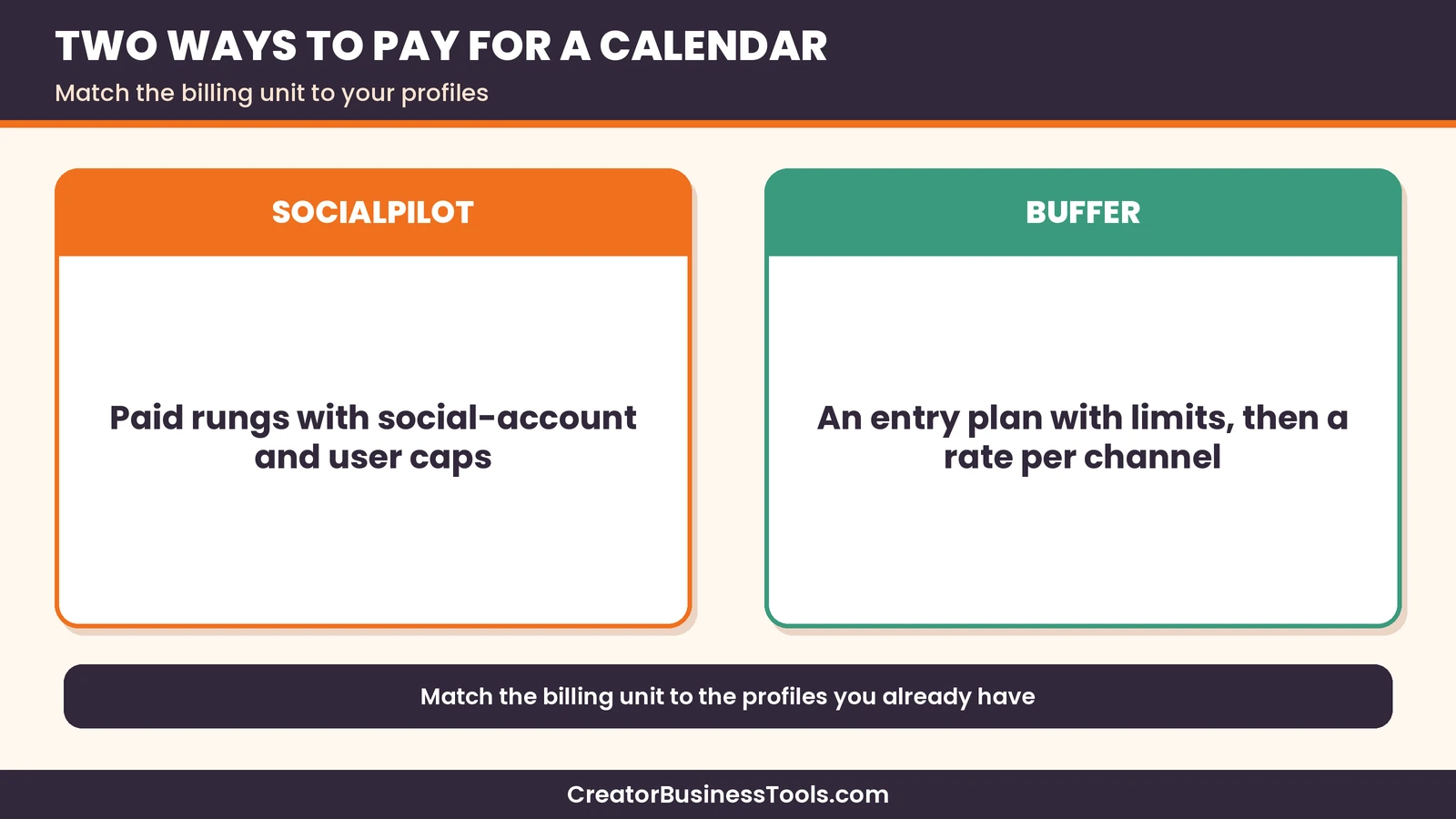
This SocialPilot vs Buffer comparison is for creators, freelancers, and small teams who need a social calendar and also want Pinterest in the same week. I am using official product and pricing pages, not a live publishing test. The useful difference is the billing unit: SocialPilot groups tools on an account-and-user ladder, and Buffer charges by the channel.
The reader’s problem: two good desks, two different ways to pay
Both tools can hold a week of posts. Both list Pinterest. The confusion starts when you try to guess the bill from the homepage. One desk sells rungs with a numbered cap on social accounts and users. The other desk sells channels, and a free plan with limits sits at the bottom.
If you pick the wrong shape, you either outgrow a cap too soon, or you pay for a long channel list you could have grouped another way.
Three criteria for this comparison
Criterion one: the billing unit
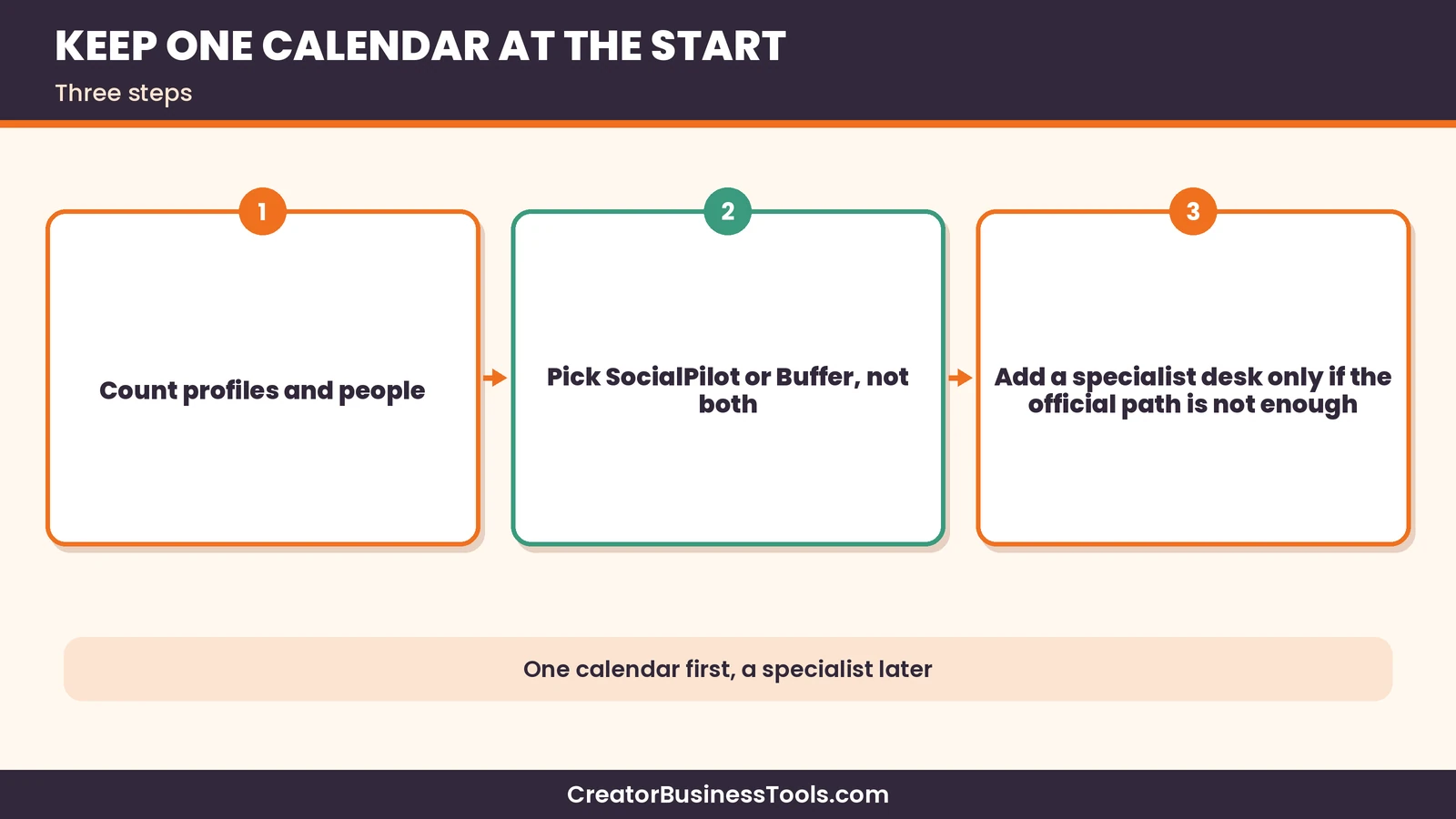
Count the profiles you will connect, and the people who will use the desk. Then ask whether an account-cap rung or a per-channel list is easier to live with.
Criterion two: the first official cap
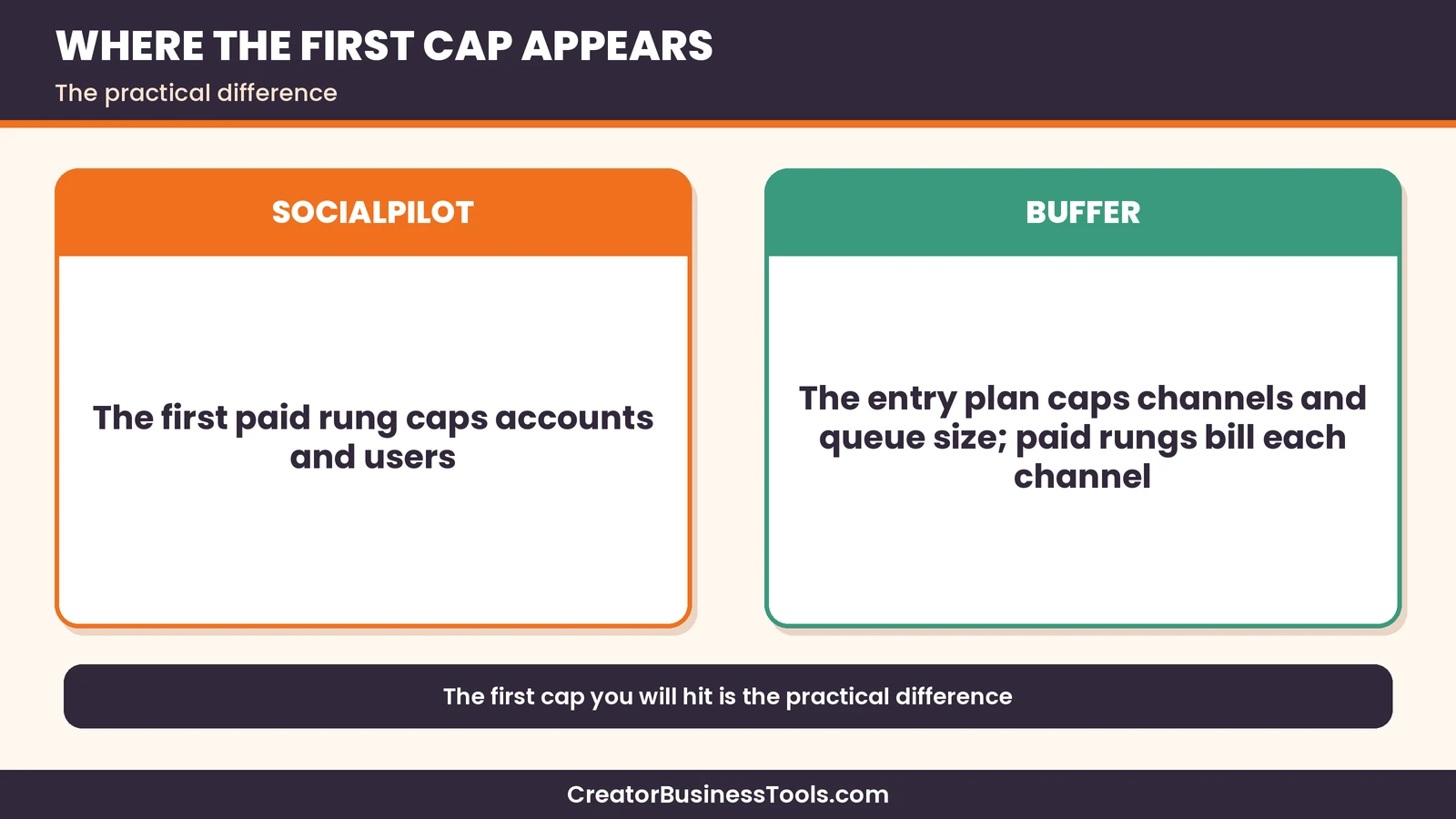
SocialPilot’s first paid rung is a solo-shaped cap. Buffer’s free plan caps channels and the size of the queue. The first cap you can live with is often the real decision.
Criterion three: Pinterest in the same week
Official pages on both sides list Pinterest. The question is whether Pins belong in the same calendar as the other networks, and whether the official composer path is enough for your Pin fields.
SocialPilot vs Buffer, at a glance
| Product | Best for | Key strength | Drawback | Price tier |
|---|---|---|---|---|
| SocialPilot | Teams that want one paid multi-network desk with a numbered account cap | Pinterest listed on global public paid plans, plus a clear tool ladder | No official lasting free plan; analytics and bulk tools sit above the first rung | Budget to premium paid rungs |
| Buffer | People who want a per-channel desk and a free plan with limits | Official channel pricing, a capped free plan, and a simple calendar | Paid rungs add up as channels grow; it is not a Pinterest-specialist desk | A free plan with limits, then budget to mid-range per channel |
| Tailwind | When Pinterest is the main job | Official Pinterest-first modules | Current official plans are Pinterest-focused | Mid-range Pinterest modules |
| Pallyy | When you think in client sets | Official set-based ladder and a free plan with limits | The first paid rung is still one set and one user | A free plan with limits, then budget to premium set-based rungs |
Tailwind and Pallyy are here as orientation, not as the main pair. For a longer Pallyy-and-Buffer read, use the published Pallyy vs Buffer guide. For a creator-week look at Buffer and Later, see Best Social Media Scheduler for Creators.
SocialPilot
What it is
SocialPilot is a multi-network publishing desk with a calendar, a content library, and higher-rung tools for inbox, analytics, approvals, and clients. Official public rungs are Essentials, Standard, Premium, and Ultimate, plus enterprise. Official pages include Pinterest in the supported network list for the paid plan family.
The first rung is for a solo publisher with a small account cap and one user. The mid rung adds inbox, analytics, and manager approval. The next rung adds bulk scheduling, client tools, and white-label reports. The high rung raises the account cap and opens unlimited users.
Pros of SocialPilot
- Official account and user caps are written as numbers
- Pinterest is part of the official paid network list
- Team and client tools have a visible place on the ladder
- A content library and calendar are available from the first paid rung
Cons of SocialPilot
- Official public pricing is a paid ladder, not a lasting free plan
- The first rung does not include analytics or inbox
- Bulk Pin work needs a higher rung
- I did not test a live SocialPilot queue for this comparison
Buffer
What it is
Buffer is a scheduler that bills by channel. Official pricing includes a free plan, then Essentials and Team. The free plan limits how many channels you can connect and how many posts can sit in each channel’s queue at once. Paid rungs lift the queue cap and add more analytics. The Team rung adds official approval and access tools.
Official pages list Pinterest as a supported channel, with automatic publishing described for Pinterest business accounts. Buffer stays a general social desk. That can be enough for mixed weeks. It may feel thin if Pins are the whole job.
Pros of Buffer
- A free plan with limits exists
- You can start with a short channel list and add profiles later
- Official pages make the per-channel mental model easy to explain
- Pinterest is on the official channel list
Cons of Buffer
- A long channel list can raise the paid bill quickly
- Approvals sit on the Team rung
- It is not a Pinterest research desk
- I did not test a Buffer Pin composer for this guide
A brief note on Tailwind and Pallyy
Tailwind is the Pinterest-first alternative if the week is mostly Pins. Official current plans are sold per Pinterest account, as modules or a bundle, with a credit allowance for scheduling. See the published Tailwind Review for that specialist path.
Pallyy is the set-based alternative if you organize work by client or brand. Official pages include a free plan with limits, then paid rungs that raise the number of social sets. See the published Pallyy Review if that model already sounds closer than either main desk here.
Best-use-case recommendations
| Situation | Pick | Why |
|---|---|---|
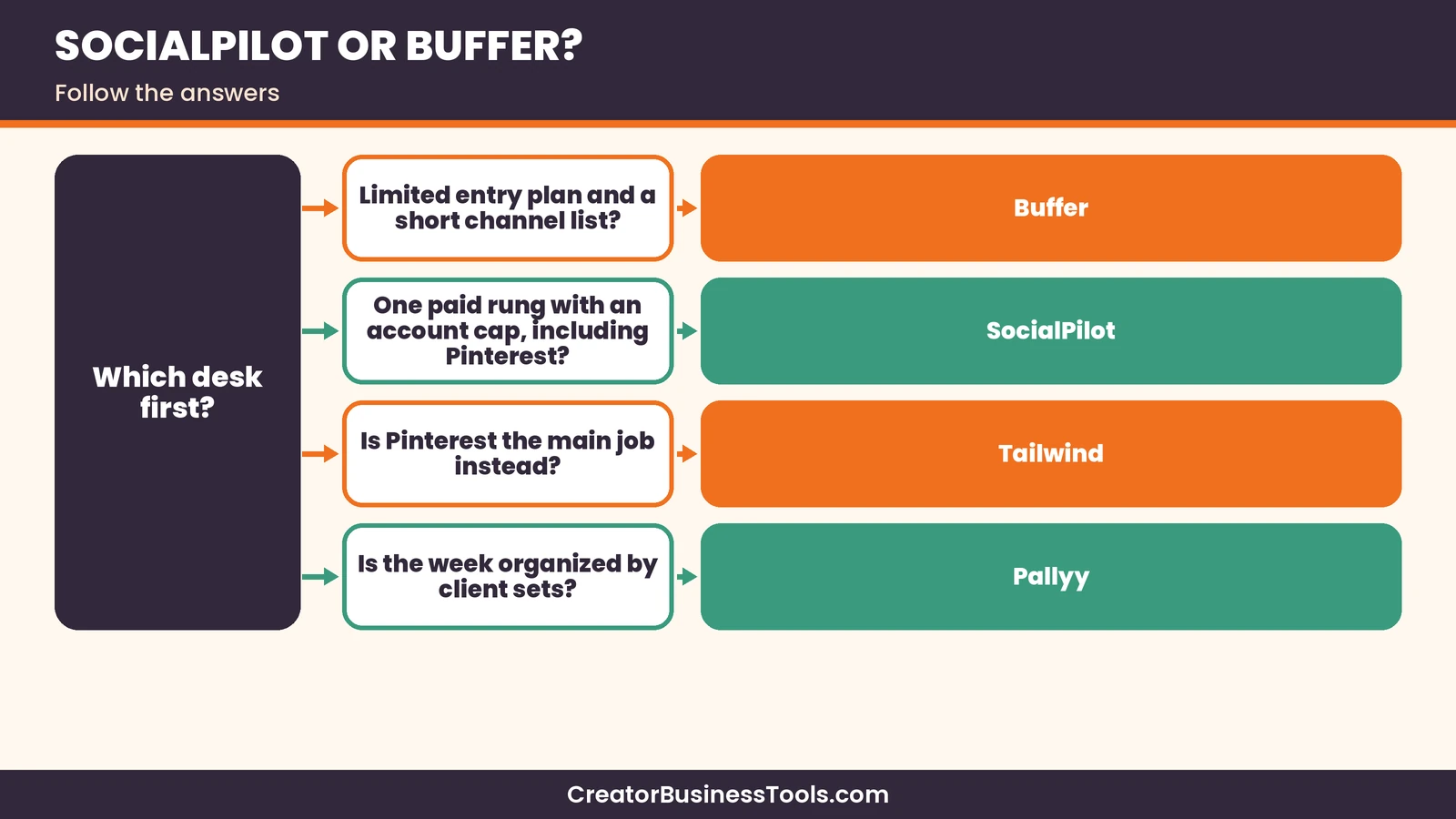
| One paid desk, many networks, including Pinterest | SocialPilot | Official account-cap ladder, with Pinterest listed on global public paid plans |
| A short channel list and a free plan with limits | Buffer | Official free plan and per-channel paid rungs |
| You already know you need inbox or manager approval | A mid SocialPilot rung, or Buffer Team | Official team tools sit above the first rungs on both desks |
| Pinterest is almost the whole job | Tailwind | Official Pinterest-first modules |
| You bill your week by clients | Pallyy | Official social-set ladder |
| You want to add one profile at a time | Buffer | Each channel is an official billing unit |
Pricing structure, without the noise
The SocialPilot vs Buffer choice is easier if you ignore homepage slogans and look at units. SocialPilot sells paid rungs with caps on social accounts and users, and it unlocks tools as you move up. Buffer sells a free plan with limits, then paid rungs priced per channel.
I am not restating dollar amounts here. Billing may be monthly or on a longer term. Official Buffer pages also describe a volume approach once a channel list gets long; confirm that rule on the official pricing page if your list is already large. Read official pages when you buy.
When SocialPilot is the better first desk
Choose SocialPilot if you want one paid calendar for several networks, and you can already count the accounts and users. It is also the closer fit when you can see, on official pages, that you will need mid-rung tools such as inbox or approvals, or higher-rung client reports.
It is a better fit when Pinterest is part of a mixed week, not the only job, and you want Pins in the same official desk as the other networks.
When Buffer is the better first desk
Choose Buffer if you want a free plan with limits, or if you want to grow a short channel list one profile at a time. It is also a better fit when the team is small, the calendar is simple, and you do not yet need an agency-shaped report rung.
If your list of channels is long, do the math on official per-channel rates before you assume Buffer will stay on a budget rung.
Mistakes I would avoid
- Comparing homepage prices without counting channels or accounts
- Assuming every SocialPilot rung includes bulk scheduling
- Assuming Buffer’s free plan will hold a large, busy calendar
- Buying both general desks for the same audience
- Treating this comparison as a quality test; I did not run one
- Ignoring official Pinterest field limits and link rules
How I would compare them with one real week
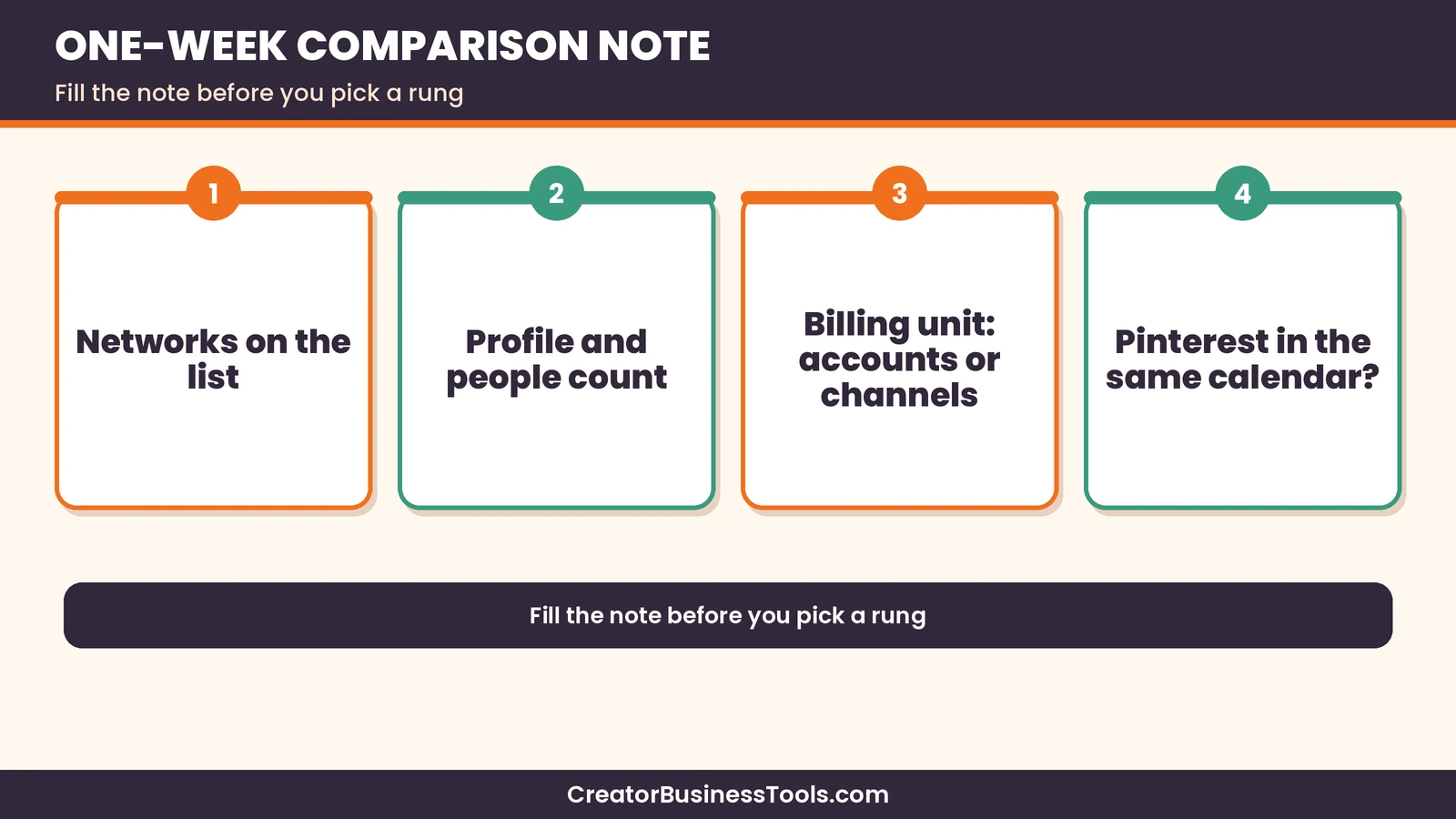
I am comparing SocialPilot vs Buffer from official pages, not from a side-by-side publish test. If I were choosing for one real week, I would write the networks in a list, mark whether Pinterest is required, and count the profiles and the people.
If the list was short and I wanted a free plan with limits, I would start with Buffer. If the list was a mixed paid desk with a known account count, I would start with SocialPilot and read the first rung that also holds any team tools I need. I would schedule one week in only one desk before I added a specialist tool.
Support, mobile, and daily ownership
Both official product families describe calendars, drafts, and a way to work from more than a desktop tab. Official SocialPilot pages mention a mobile app and a browser extension. Official Buffer pages also describe a browser extension and a visual calendar.
Those tools matter less than ownership. Someone still has to write the post, choose the Pin board, and check the official cap when the list grows. A nicer calendar will not fix an uncounted profile list.
What I would not compare in this guide
I would not compare “which tool gets more reach.” Official pages do not give me a fair, current test of that, and I did not run one. I would not compare dollar amounts in the body. I would not treat a try-out path as a lasting free plan.
I would compare billing units, official caps, team-tool placement, and whether Pinterest is a supported path in the same calendar.
Guest access, roles, and keeping one calendar
A comparison like SocialPilot vs Buffer should also include who else will open the desk. Official SocialPilot pages describe user caps that rise by rung, and higher rungs add client seats and approval paths. Official Buffer pages describe one user on the free plan and on Essentials, and unlimited users on the Team rung, with access tools on that same Team rung.
If a helper will draft posts, but should not publish, the official approval path matters more than the homepage screenshot. Write the role in the same note as the profile count. A desk that only the on-camera person can open is a fragile desk.
Keep one public calendar for the same audience. Two queues for the same Pinterest board, or the same Instagram profile, will split the week.
Pin fields, boards, and what “supported” should mean
“Pinterest is supported” is not enough on its own. On the SocialPilot side, official help describes boards, a title, a description, alt text, and a destination URL, and it warns against shortened links. On the Buffer side, official pricing and channel tables list Pinterest, including automatic publishing for business accounts.
Before you pick, confirm the official composer path for the fields you need. A missing alt-text field, or a board-picker you cannot find, will slow a Pin week more than a slightly different calendar view.
If you publish to several boards inside one Pinterest account, confirm how each desk counts that work. Official SocialPilot materials say boards inside one account do not each count as an extra paid social account. Official Buffer pricing counts a Pinterest profile as a channel. Those are different arithmetic stories.
A short decision note you can reuse
Keep one short note next to the official pricing pages. Write the networks. Write the profile count. Write the people who will log in. Write whether Pinterest must live in the same calendar. Write the first official cap you are likely to hit.
Update the note after the first scheduled week, not before. The first week will tell you whether the cap is real. It will also tell you whether you are still switching tabs for Pins.
This note is how you avoid buying a higher rung for a list you have not described. It is also how you notice a ceiling coming, without living inside a pricing page.
Audio, creative, and what the scheduler will not fix
The scheduler will not fix a weak Pin image or a caption that does not describe the destination page. Before you change desks, look at the creative you already have. A new calendar will not invent a clearer title.
Use the official composer as a checklist. Title, description, alt text, board, and link should be finished before the post sits in the queue. If those fields are empty, the desk is not the problem.
Questions to confirm on official pages
- Account, user, and channel caps for the list you have
- Where analytics, inbox, and approvals begin
- Official Pinterest composer fields and Pin types
- How Buffer counts a Pinterest profile as a channel
- Whether a Pinterest-specialist desk is still needed
- Billing period options on the official pricing page
Migration, habits, and when to stay put
If you already have a queue in one desk, moving is a project. You will rebuild drafts, scheduled items, and any approval path. Official pages will not do that work for you.
Stay on the current desk if the official cap still fits and the Pin path is usable. Move only if a weekly job is missing: a field you need, a user you cannot add, or a billing unit that no longer matches the list. Do not move because a homepage looks cleaner.
If you do move, move one network first, not the whole week at once. Keep the old calendar closed for that network so the same audience is not scheduled twice.
My honest take
SocialPilot vs Buffer is a shape choice. SocialPilot is the paid account-cap desk with a visible tool ladder and Pinterest on the official paid network list. Buffer is the per-channel desk with a free plan with limits. I would count profiles first, then read official caps, then pick one calendar for the first week.
If Pinterest later becomes the main job, Tailwind can join the picture. If clients become the organizing unit, Pallyy can join the picture. I would not start with all four.
Related reading: Best social media scheduler for creators, Tailwind review, Pallyy vs Buffer.
FAQ
Which is better for a mixed social week, SocialPilot or Buffer?
It depends on the billing unit you prefer and the first cap you can live with. SocialPilot fits a paid account-cap ladder. Buffer fits a per-channel list and a free plan with limits. Both officially list Pinterest.
How do SocialPilot and Buffer compare on price tiers?
SocialPilot uses budget to premium paid rungs based on accounts, users, and unlocked tools. Buffer uses a free plan with limits, then budget to mid-range paid rungs priced per channel. Compare official caps, not a single homepage number.
Does either tool replace a Pinterest-specialist desk?
It depends on the week. Both can hold Pins in a wider calendar. If Pinterest is the main job, a specialist such as Tailwind may still be the better first desk.
Can I move later?
You can change desks, but you will rebuild queues, approvals, and habits. It is less work to count profiles first and pick one official shape than to migrate a messy calendar later.
Get the free SocialPilot vs Buffer checklist
Free checklist: Get our free Socialpilot Vs Buffer Checklist — for counting channels, comparing official caps, and deciding whether Pinterest belongs in the same calendar. Contact us to request a copy.
Conclusion: choosing between SocialPilot and Buffer
The SocialPilot vs Buffer decision is about shape, not slogans. Choose SocialPilot if you want a paid, numbered account-cap desk and Pinterest in the same official calendar. Choose Buffer if you want a free plan with limits and a per-channel bill. Count your profiles, read official caps, and let one week in a single desk tell you which shape fits.